


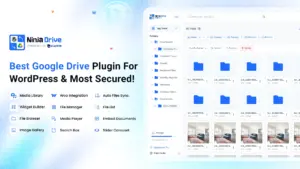

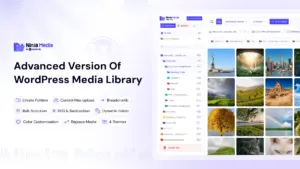

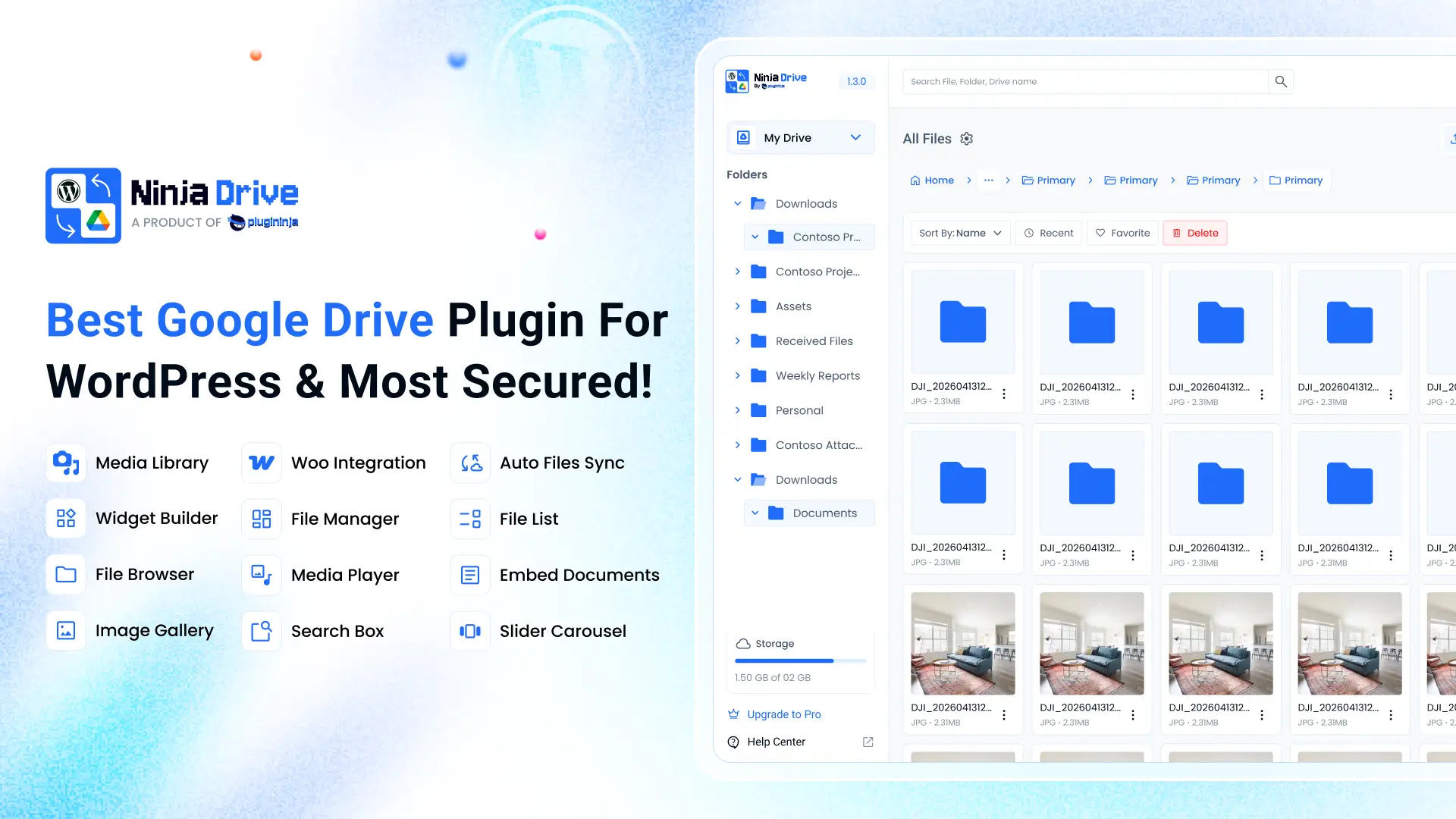
If you’ve ever wished you could manage your Google Drive files without leaving your WordPress dashboard, Here we’re Introducing Ninja Drive for Google Drive that was built exactly for that. It connects your Google Drive account to WordPress and turns it into a file manager, media library extension, gallery builder, embed tool, and client file-sharing portal — all in one plugin.
At a Glance: What Ninja Drive Brings to WordPress
Core features:
- Google Drive File Manager – upload, download, rename, move, copy, delete files, create folders, and generate share links from your WordPress dashboard
- Media Library: Ninja Drive shows your choosen folders in your media library and allow you to showcase them anywhere of your website.
- Widget Builder – display your Drive files as a list, grid, slider, or gallery anywhere on your site
- File Browser Widget – let visitors navigate specific folders without seeing your whole Drive
- Gallery & Slider – showcase images with preview, download, and notification support
- Search Box Widget – real-time search across your connected Drive files
- Media Player – stream audio and video directly from Google Drive
- File Uploader – let visitors or clients upload files straight into your Drive
- Embeds everywhere – documents, PDFs, images, audio, video, and folders via blocks, Elementor widgets, or shortcodes
- Access Control – restrict files and folders by user role, login status, or password
- Fully responsive – every widget and embed adapts to desktop, tablet, and mobile
Built-in integrations:
- Gutenberg – native blocks for files, galleries, and browsers
- Elementor – dedicated widgets for any layout
- Classic Editor – insert Drive files and links directly into content
- Contact Form 7 – accept file uploads into your Drive folders
- WooCommerce – sell downloadable products straight from Google Drive
- Easy Digital Downloads – serve your digital downloads securely from Drive
- Tutor LMS – use Drive videos and files as course materials
- Gravity Forms – receive user-uploaded files into your Drive
- Ninja Forms – receive user-uploaded files into your Drive
- Formidable Forms – receive user-uploaded files into your Drive
- Fluent Forms – receive user-uploaded files into your Drive
Support & updates:
- Actively developed with new widgets, layouts, and integrations on the roadmap
- Translation-ready, with community translations welcome via WordPress.org
- Free documentation, video tutorials, and a dedicated support portal at PluginInja
Below is a quick Q&A walkthrough covering what Ninja Drive for Google Drive does, how it works, and how to get started.
What is Ninja Drive for Google Drive?
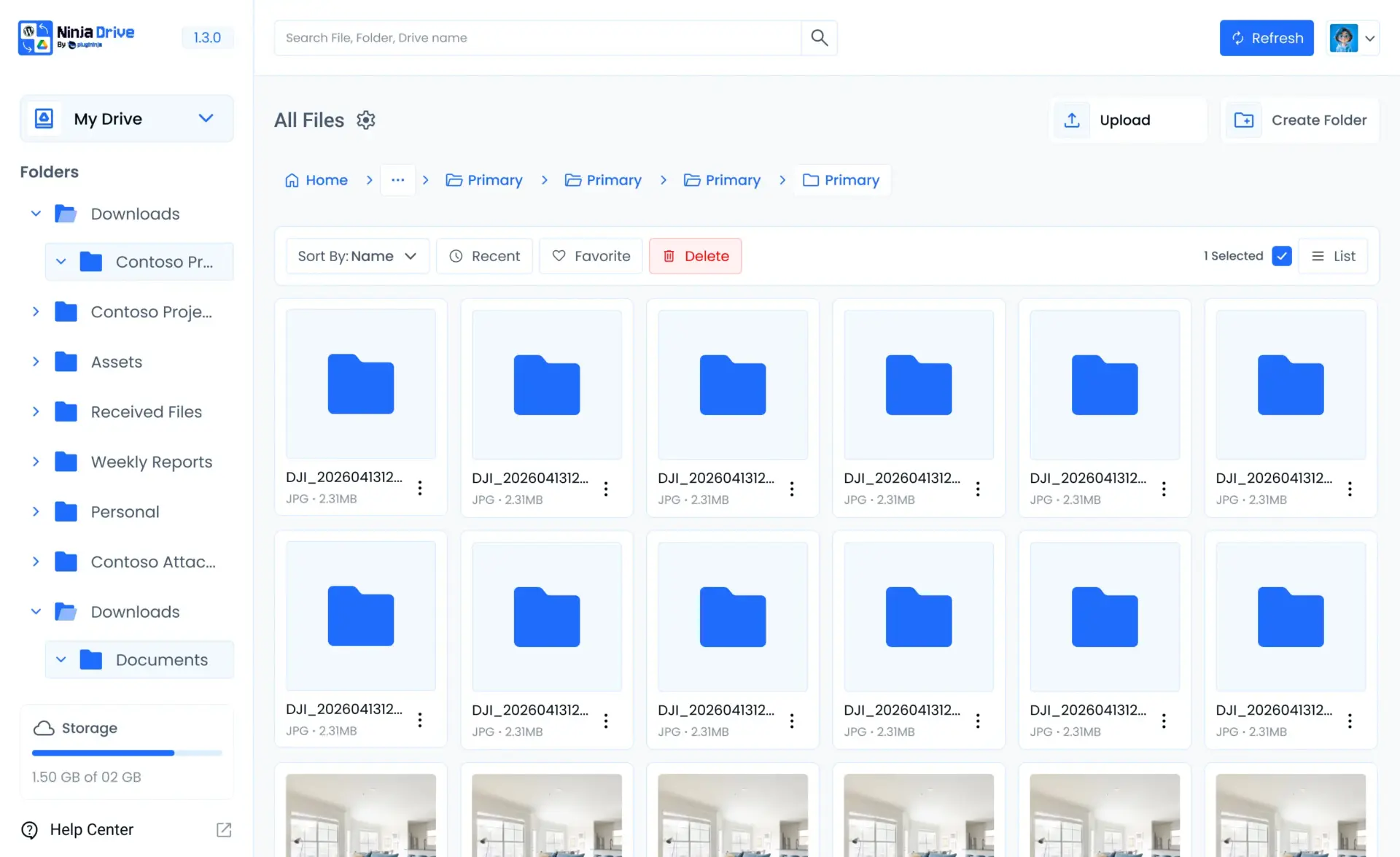
Ninja Drive is a Google Drive plugin for WordPress that lets you connect, browse, and manage your Drive files directly from the WordPress admin area. Once connected, you can build file browsers, galleries, embedded document viewers, media players, and upload forms using a simple widget builder — without writing any code.
It’s an independent, third-party plugin and isn’t affiliated with or endorsed by Google LLC. It simply connects to the public Google Drive API using your own authorized account.
Who is Ninja Drive for?
Ninja Drive for Google Drive is a good fit if you want to:
- Manage your Google Drive files without switching out of WordPress
- Let visitors or clients upload files directly into your Drive
- Embed documents, videos, audio, galleries, and sliders on any page
- Serve downloadable products securely from Google Drive
- Power your WordPress media library using Google Drive storage
- Restrict file and folder access by user role, password, or login status
How do I set it up Ninja Drive for Google Drive?
Setup takes just a few steps:
- Install and activate Ninja Drive from the WordPress plugin directory.
- Create a Google Cloud project and enable the Google Drive API.
- Set up an OAuth consent screen and create OAuth client credentials.
- Copy the redirect URI from Ninja Drive’s settings into your Google app’s authorized redirect URIs.
- Paste your Client ID and Client Secret into Ninja Drive’s settings and authorize the connection.
Once authorized, your Google Drive account is connected and ready to use across the plugin’s tools.
What can the Google Drive File Manager do?
The built-in file manager brings full file operations into your WordPress dashboard. You can upload, download, rename, move, copy, and delete files, create new folders, and generate share links — all without opening Google Drive separately.
What is the Widget Builder?
The Widget Builder is how you display your Drive content on the front end. It lets you create custom widgets that show your files as a list, grid, slider, or gallery, so you can match the layout to your site’s design and purpose.
Can I let visitors browse specific folders?
Yes. The File Browser Widget displays a customized view of chosen Google Drive folders directly on your website, so visitors can navigate through selected folders without seeing your entire Drive.
Can I create a Google Drive gallery?
Yes. The Gallery feature lets users preview and download images from your gallery, and you can receive download notifications by email and directly in your admin dashboard.
How does Ninja Drive handle embedding files?
You can embed documents, PDFs, images, audio, video, and folders directly into posts or pages using Gutenberg blocks, Elementor widgets, or shortcodes — whatever fits your existing workflow.
Can people search my Google Drive files?
Yes. A search widget can be placed anywhere on your site, allowing visitors to search your connected Google Drive files in real time using built-in filters.
How are files displayed and organized?
Files can be shown in several layouts — list, grid, compact, table, gallery, or timeline — so you can present your Drive content in whatever structure makes sense for your audience.
Can I generate share and download links?
Yes. Ninja Drive can generate clean, public or password-protected share and download links for your files, so you can share content with visitors or team members without sending them into Google Drive directly.
Is Ninja Drive for Google Drive mobile-friendly?
Yes. File browsers, galleries, and embeds are fully responsive and adapt to any device, from desktop to mobile.
What integrations does Ninja Drive support?
Ninja Drive for Google Drive connects with the tools many WordPress sites already use:
- Gutenberg – blocks for embedding files, galleries, and file browsers
- Elementor – widgets to add Drive content into any layout
- Classic Editor – insert Drive files and links directly into content
- Contact Form 7 – let users upload files to a selected Drive folder
More integrations, including WooCommerce, Easy Digital Downloads, Tutor LMS, Gravity Forms, Ninja Forms, Formidable Forms, and Fluent Forms, are on the roadmap.
Does Ninja Drive slow down my site?
No. The plugin uses caching and pagination for large folders to keep browsing fast, and files are streamed directly from Google Drive rather than hosted on your server.
Is my data secure?
Yes. Ninja Drive uses OAuth 2.0 for authentication, and all communication happens directly between your server and Google Drive over encrypted channels. No Google Drive account IDs or file IDs are exposed on the frontend, and your files are never stored on Ninja Drive’s servers.
Can I revoke access later?
Yes. Since the connection uses standard Google OAuth, you can revoke Ninja Drive’s access at any time from your Google Account’s security settings.
Can I use my own Google Cloud app?
Yes. In Settings → Own App, you can enter your own OAuth Client ID and Secret instead of using the plugin’s default app.
Will Ninja Drive for Google Drive get more features over time?
Yes. Ninja Drive is actively developed, with new widgets, integrations, and display options planned. It’s also translation-ready, so the community can help bring it to more languages.
What if I need help or run into an issue?
Ninja Drive comes with full documentation and video tutorials on the official site, plus a dedicated support portal where you can reach the team directly for setup help, troubleshooting, or feature questions.
Where can I get Ninja Drive for Google Drive?
You can install Ninja Drive directly from the WordPress.org plugin directory, learn more on the official Ninja Drive page, or check out pricing and premium options if you need advanced features down the line.


 Ahanaf Istiyad

 plugininja
 Join Community