



Ninja Media makes it easy to organize your WordPress media files with an advanced folder system. Keep your library clean, find files faster, and improve your workflow without any hassle.
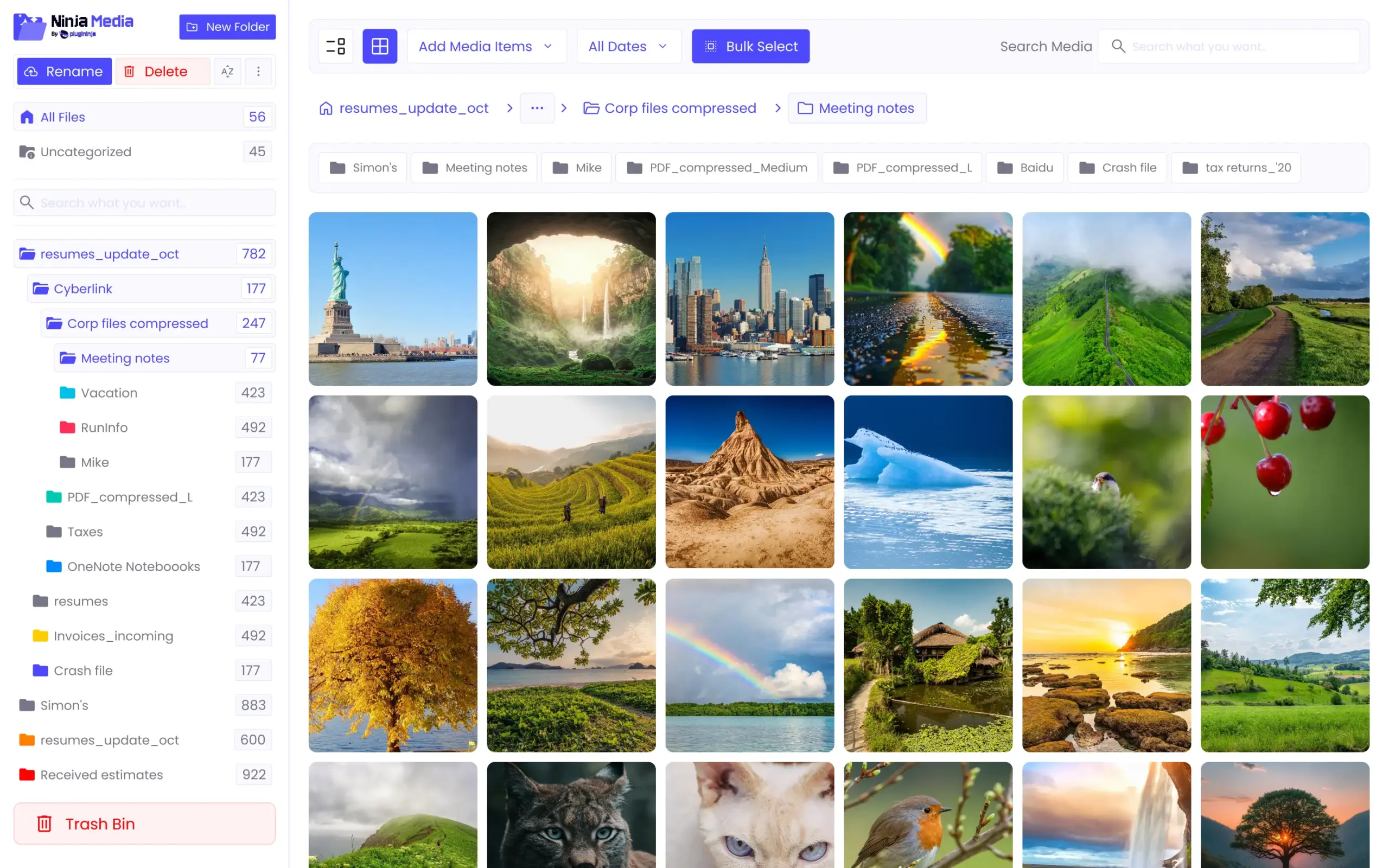
Ninja Media is an essential plugin for any website that uses media. It makes your WordPress media library more powerful, organized, and easier to manage.
 Better Organization
 Faster Workflow
 Improved Productivity
 Works for Any Industry
 Powerful Website
 Cleaner Experience
 Secure File Handling
 Team Collaboration

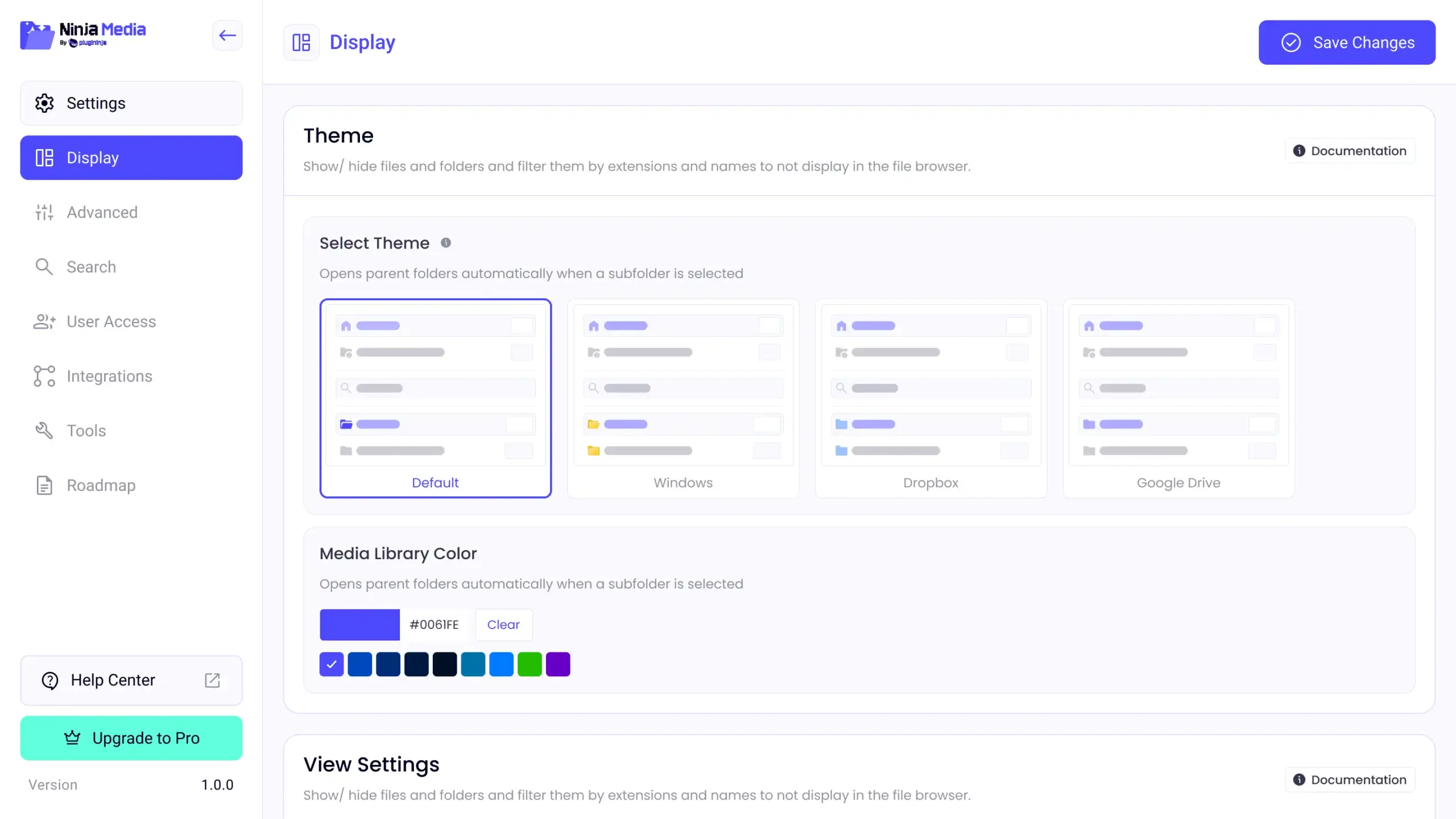
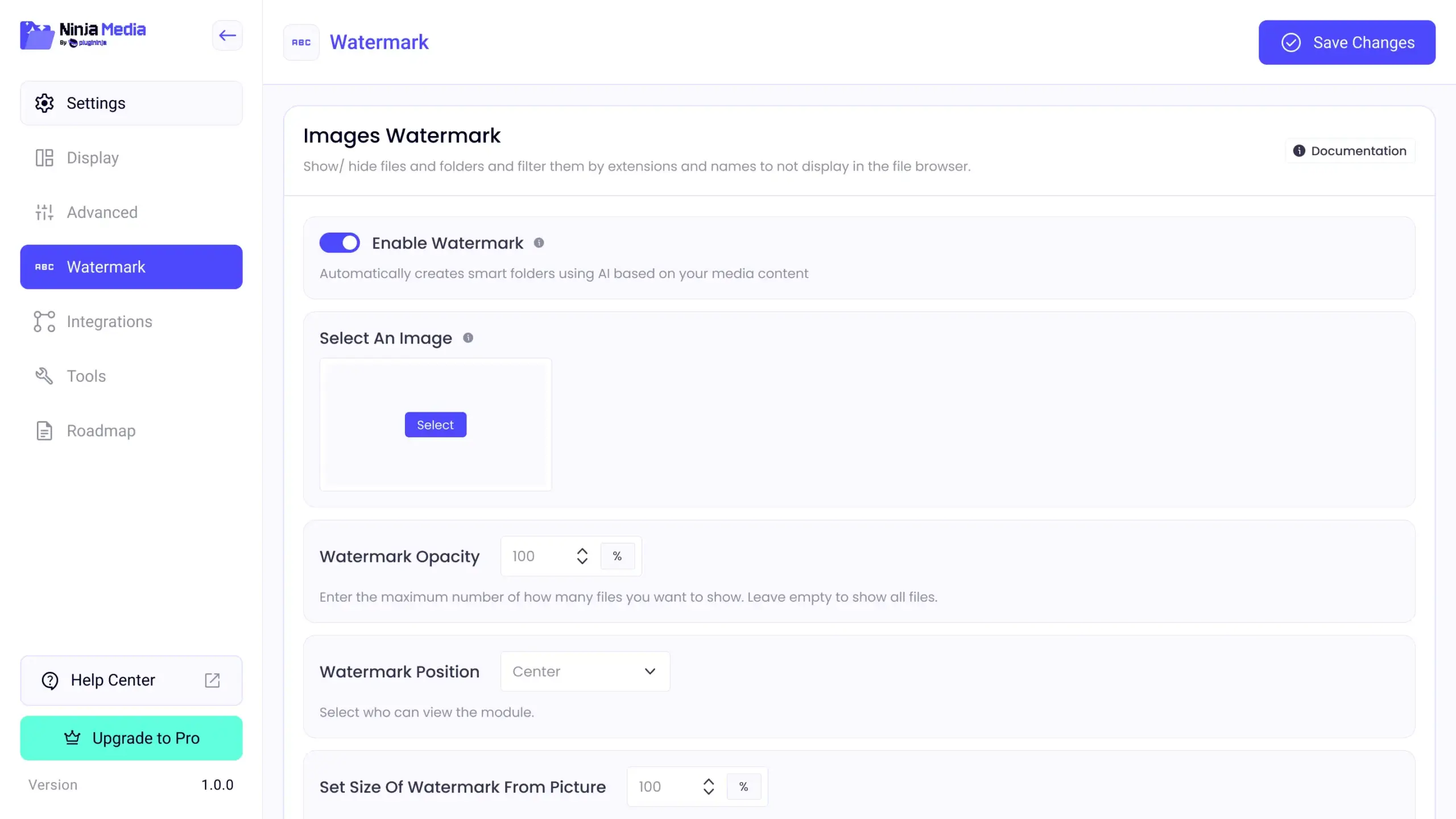
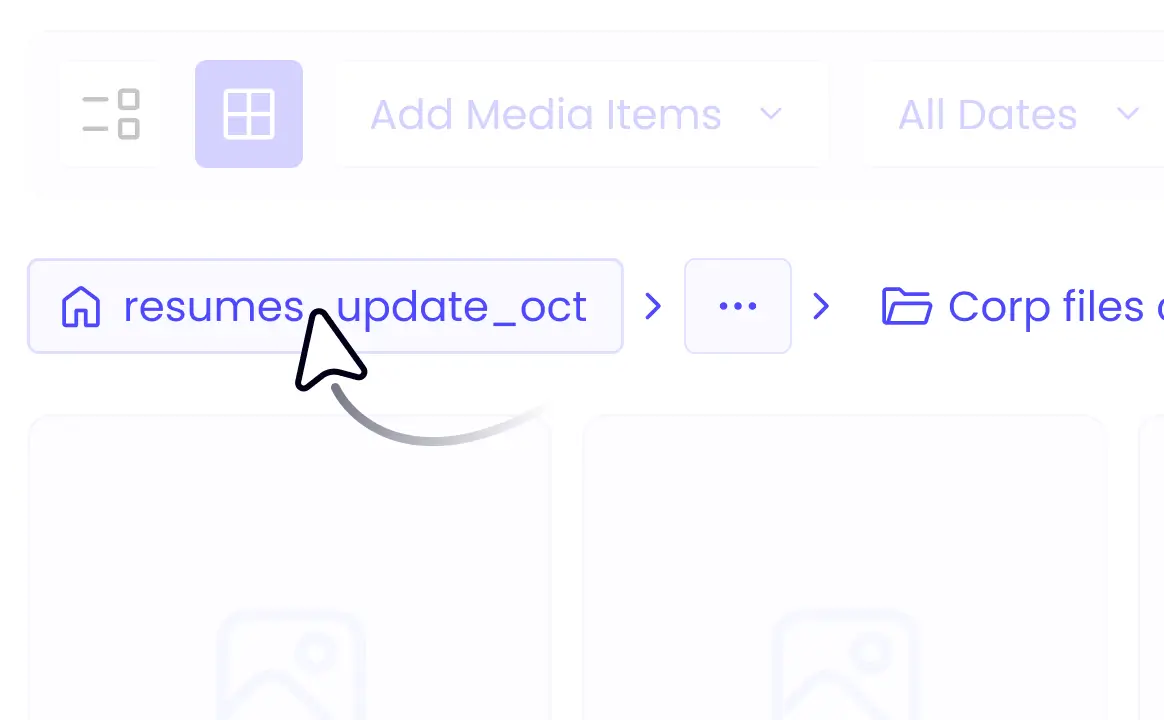
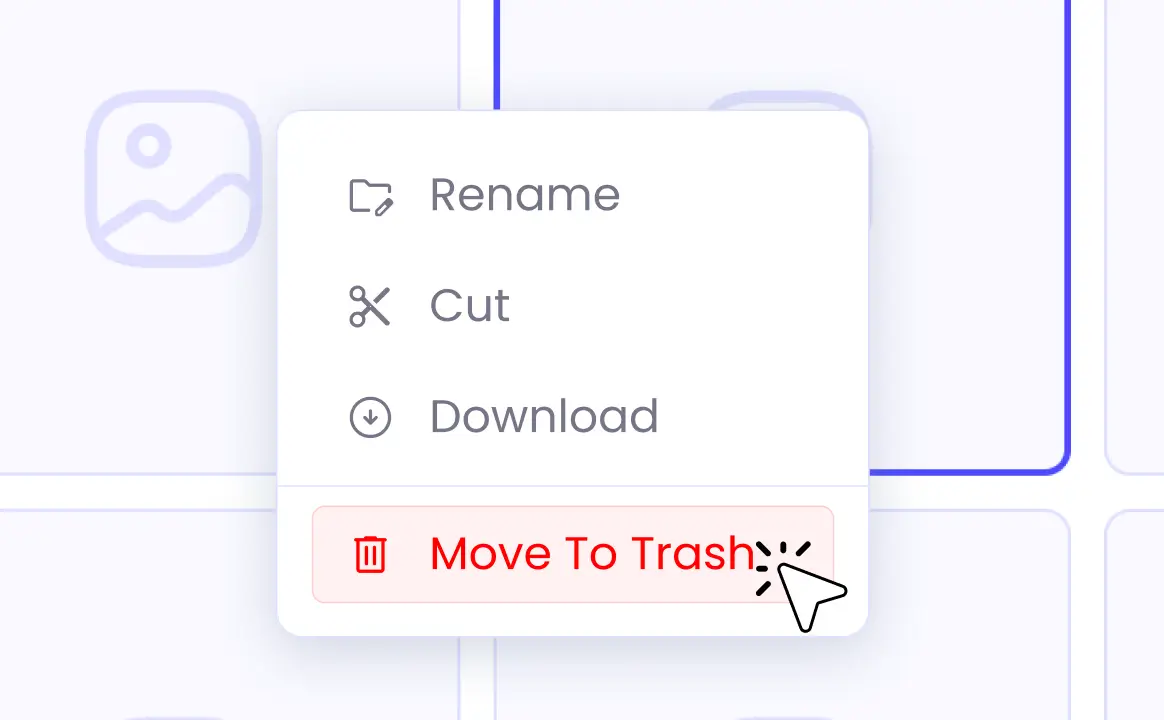
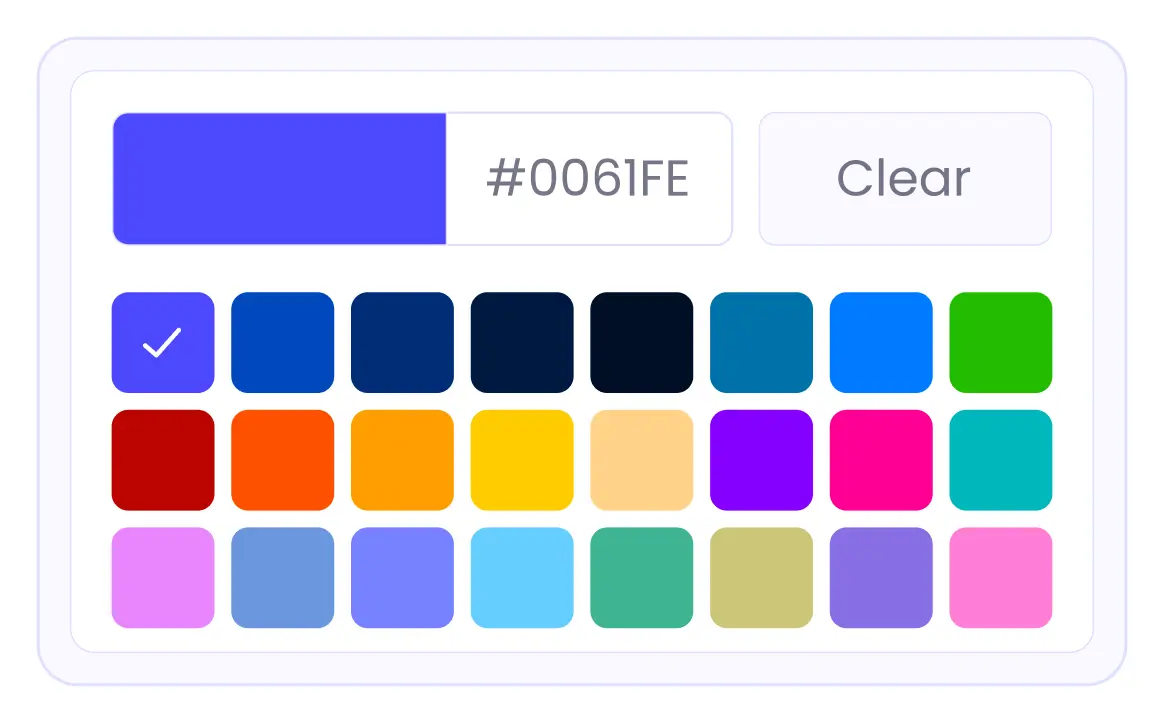

With the free version, organize your WordPress media files easily.
 Free Download
With the annual plan, enjoy full features and regular updates for your media library
With the lifetime plan, get all features and updates forever without renewal fees
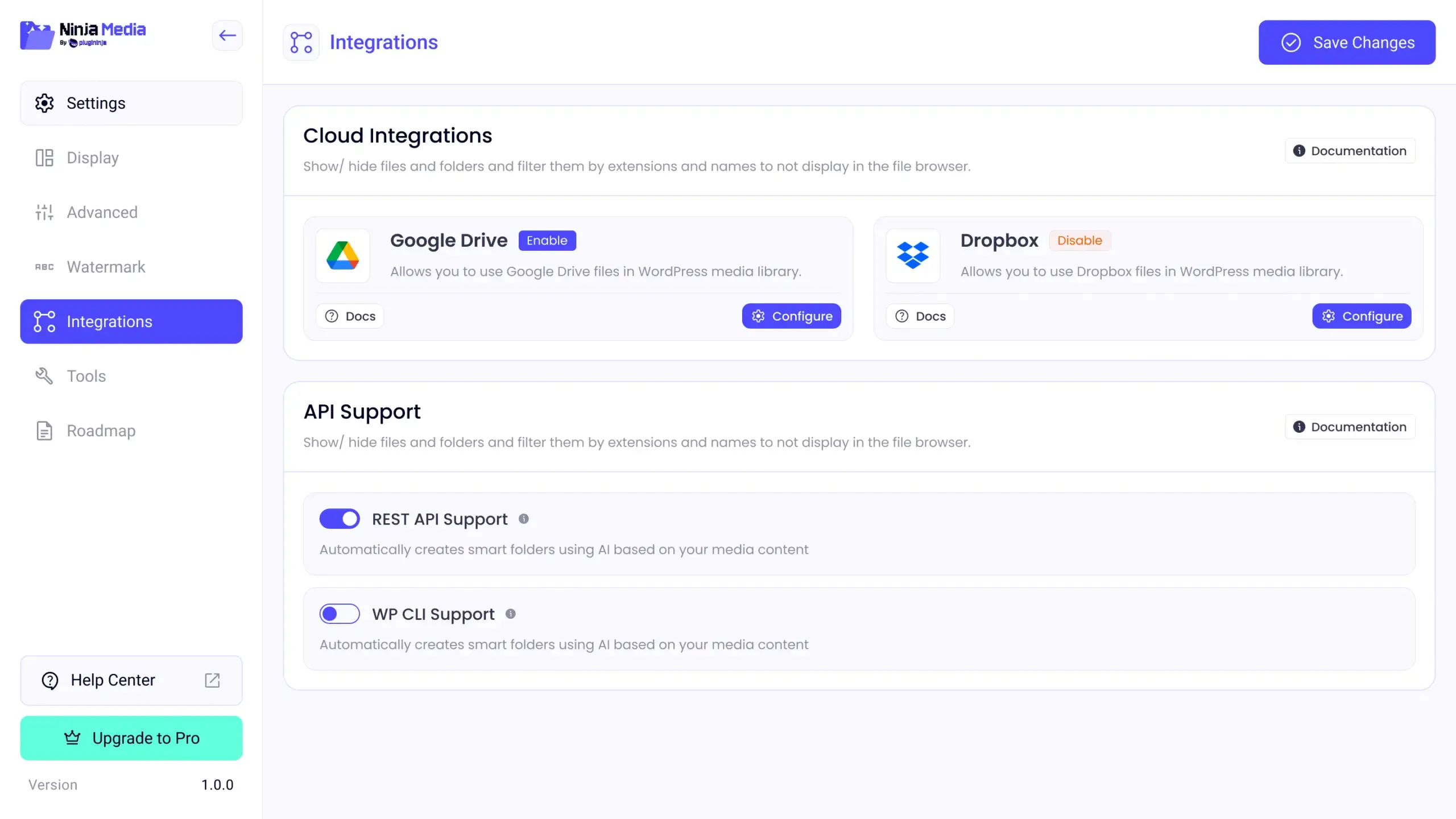
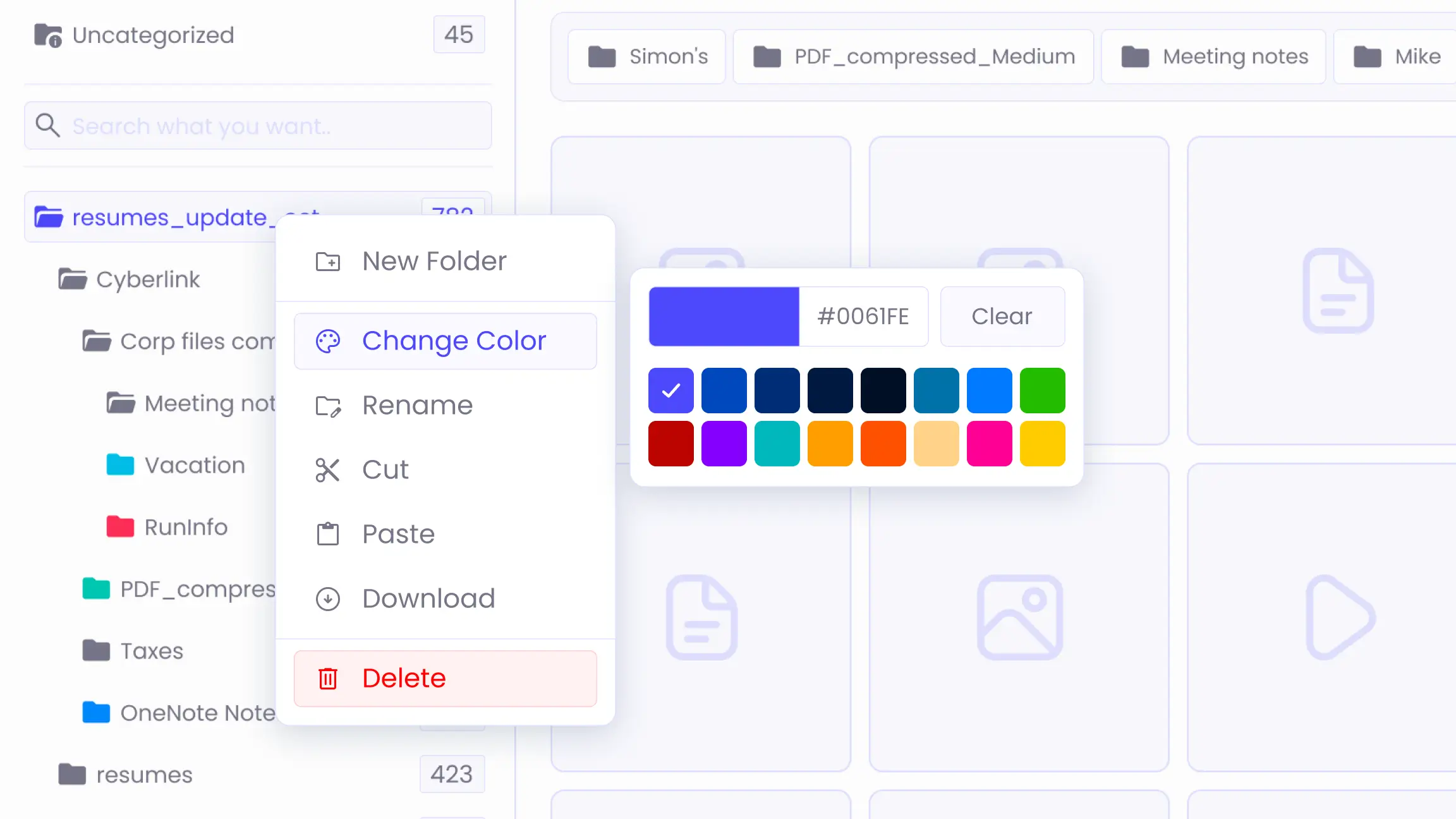
Ninja Media is a WordPress media library management plugin that replaces the default WordPress media experience with advanced folder organisation, bulk file management, SVG uploads, cloud integrations, and more.
Yes. Ninja Media is fully compatible with Elementor, Gutenberg, Divi, Classic Editor, and all major page builders. You can insert and manage media files directly from within any builder interface.
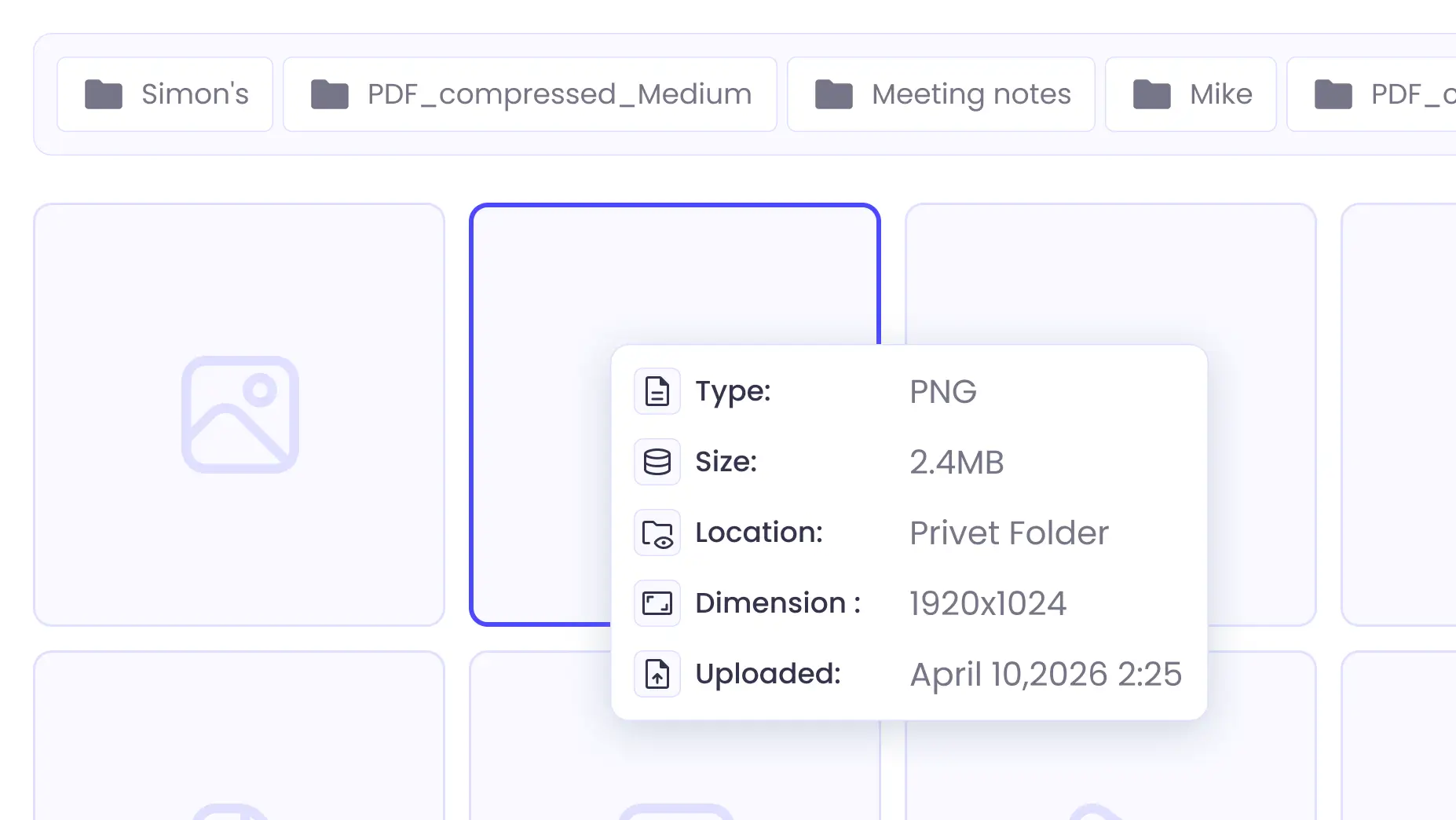
Yes. Ninja Media has a free version available from the WordPress plugin directory with core media management features. The Pro version unlocks advanced features including Google Drive integration, private folders, user role access control, and image compression.
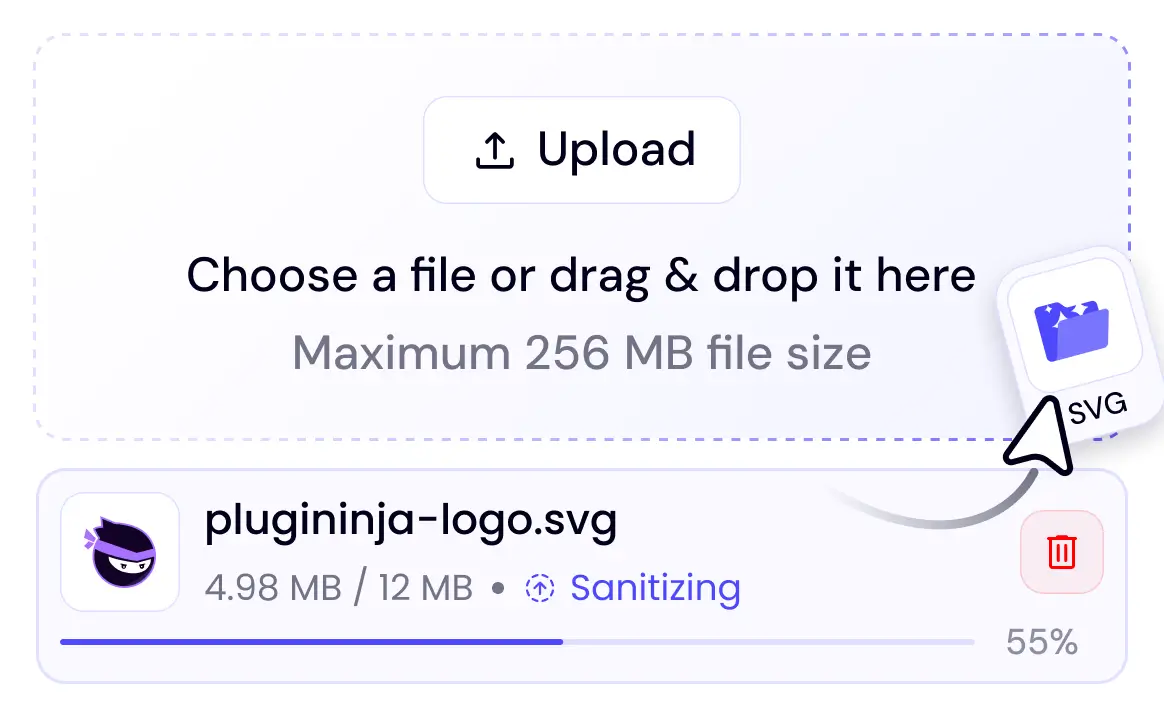
Yes. Every SVG file uploaded through Ninja Media is automatically sanitized to remove any potentially malicious code before it is saved to your server. This makes SVG uploads safe for any WordPress site.
No. Ninja Media is built with performance in mind, including lazy load support, image compression on upload, and lightweight database queries. Your site speed is not affected by installing or using the plugin.
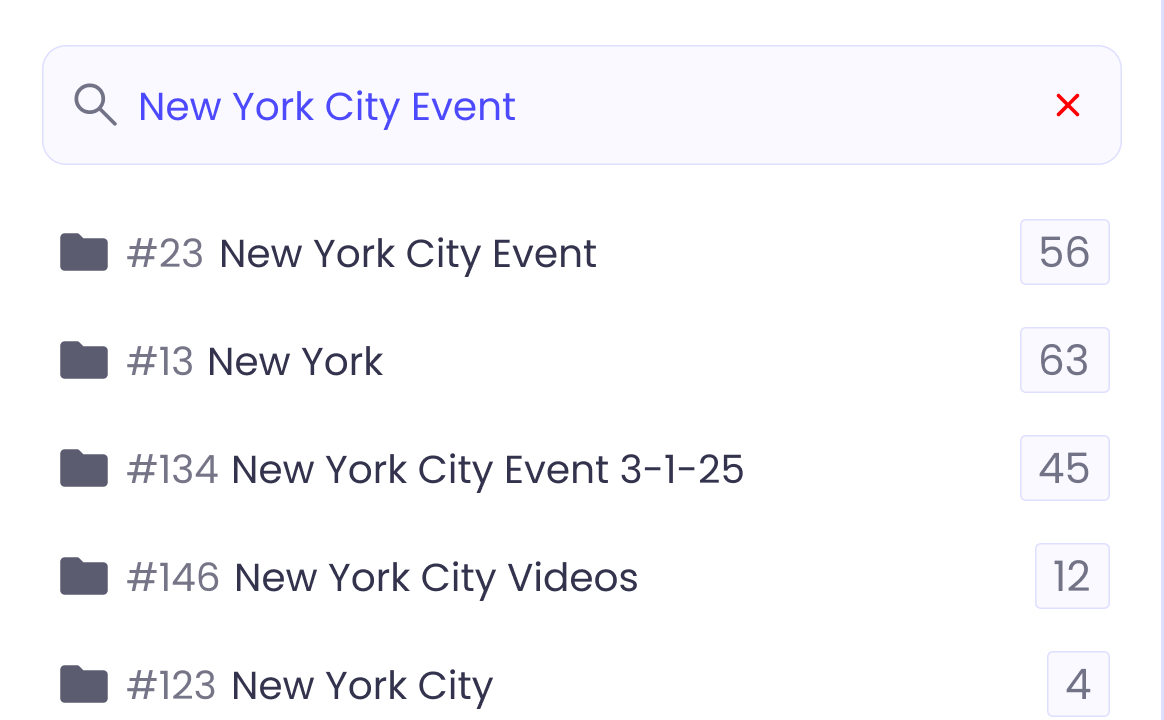
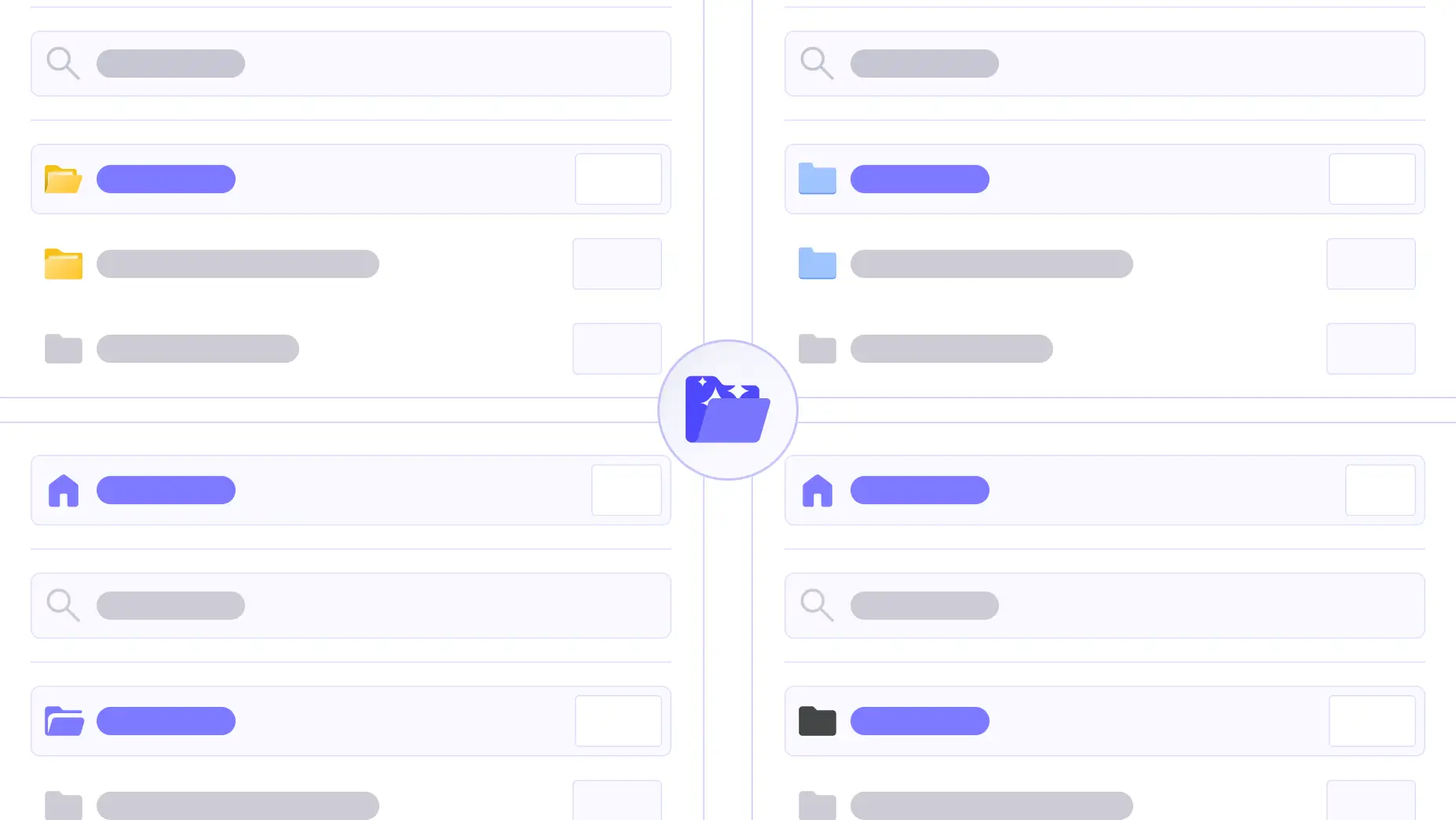
Yes. You can create folders, move existing media files into them, rename them, and colour-code them at any time. Ninja Media works with your current media library without requiring a migration.
Yes. The Pro version lets you connect your Google Drive account directly to WordPress via a single OAuth authorisation. You can then browse, insert, and manage Google Drive files without leaving your WordPress admin.
Yes. Ninja Media’s user role access control lets you define which roles — such as Editor, Author, or Contributor — can view, upload, or manage specific folders, keeping sensitive media restricted to authorised users only.
Files are moved to trash first rather than being permanently deleted immediately. This gives you a safety net to recover files before they are removed, preventing accidental permanent deletion from your WordPress media library.
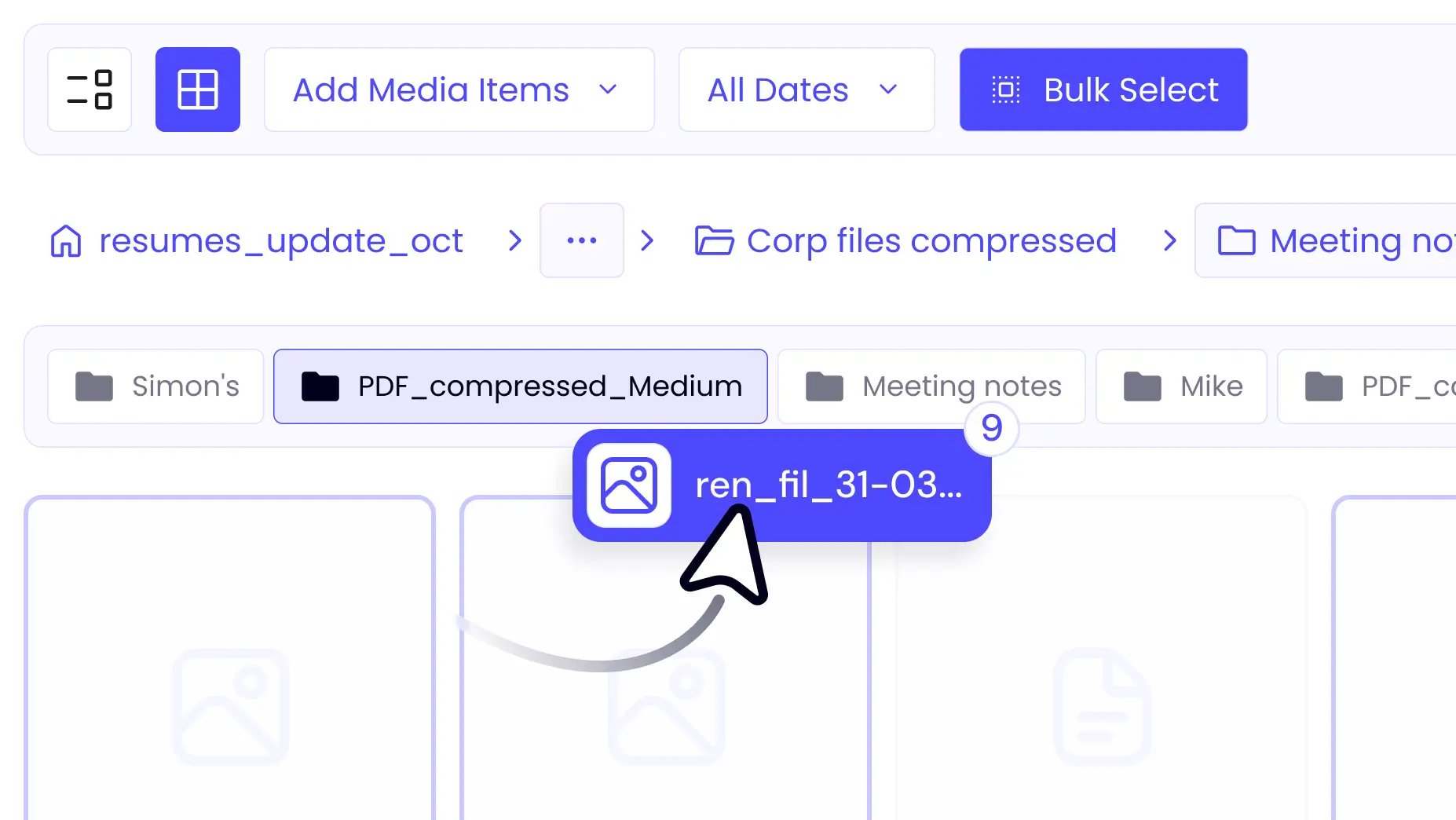
Yes. You can bulk select files and move them between folders using drag and drop. Bulk operations are designed to handle large media libraries efficiently, saving time on repetitive file management tasks.
Yes. Pro licences are available for single sites, multi-site installations, and agency plans covering unlimited sites. All sites get access to the full Pro feature set under their respective licence.
Support is available through the official documentation, a community forum for free users, and priority support via the Pro dashboard for Pro licence holders. Most common questions are covered in the detailed documentation.
Grow your business better and solve everyday WordPress challenges with simple, efficient, and reliable solutions.

 Starts At 39.99
 Join Community