




WordPress users always need the best file manager plugins for WordPress because a file manager is very important for everyone, and choosing the best one is very difficult, so we have listed them here for you.
In this post, we review the Best File Manager Plugins For WordPress by highlighting the 7 top-performing plugins that stood out during testing, while also covering which options fell short so you can choose the ideal fit for your website.
Comparison Table: Best File Manager Plugins For WordPress
| Rank | Plugin Name | Best For | Pricing / Year | Rating |
| 🥇 | WP File Manager | Full server access | Free / $39 | 4.7/5 |
| 🥈 | Advanced File Manager | Developers & agencies | Free / $49.99 | 4.8/5 |
| 🥉 | Integration for Google Drive | Cloud media management | Free / $39.99 | 5/5 |
| 4 | Ninja Media | Media organization | Free / $39 | _____ |
| 5 | FileBird | Media optimization | Free / $49 | 4.7/5 |
| 7 | Real Media Library | Enterprise media libraries | Free / €39 | 4.8/5 |
| 8 | Folders | Simple organization | Free / $69 | 5/5 |
8 Best File Manager Plugins For WordPress in 2026
1. WP File Manager
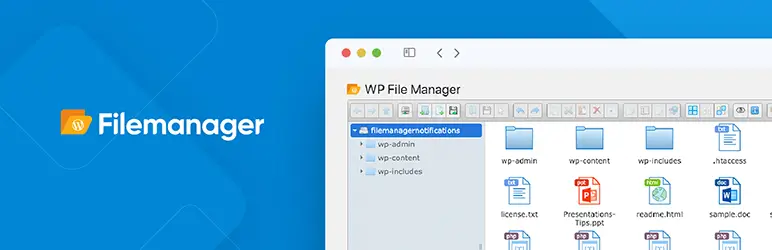
WP File Manager ranks among the Best File Manager Plugins For WordPress due to its ability to simplify backend file management. It grants direct access to your server files right from the WordPress dashboard, eliminating the need for external FTP clients. With a familiar, intuitive interface, both beginners and experienced developers can easily upload, edit, and organize directories without any hassle.
Key Features:
- Built-in code editor
- ZIP archive support
- Syntax checker
- Mobile-friendly interface
- Role-based permissions
Best Use Case: Managing server files and quick website edits.
Pricing: Free version available. Pro starts at $39/year.
Who Should Use It: Website owners looking for a simple and reliable WordPress file manager.
2. Advanced File Manager
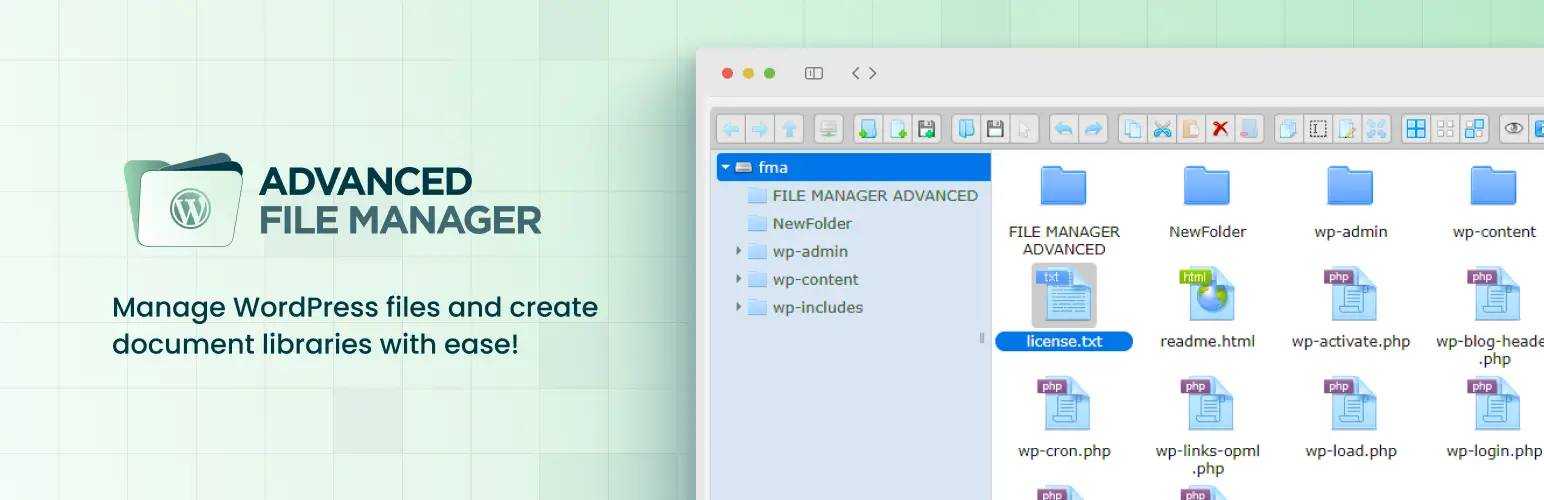
Advanced File Manager is a top choice for developers and agencies requiring deeper control over their website files and hosting environment. This plugin offers advanced security settings, role-based access controls, and built-in integration with cloud storage platforms. These robust features easily position it as one of the Best File Manager Plugins For WordPress for professional users managing larger or more complex websites.
Key Features:
- Cloud storage integration
- AI code assistant
- Role-based access control
- Hidden file path security
- Advanced file editing
Best Use Case: Managing complex websites and development workflows.
Pricing: Starts at $49.99/year.
Who Should Use It: Developers, agencies, and advanced users.
3. Integration for Google Drive
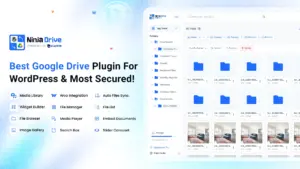
Integration for Google Drive connects your WordPress media library directly to your cloud storage, allowing you to manage large files without using extra server space. This plugin is an excellent solution for websites handling high-resolution videos, heavy downloads, or shared content. By significantly improving your server performance and storage efficiency, it secures its spot as one of the Top File Manager Plugins For WordPress.
Key Features:
- Google Drive integration
- SEO-friendly URLs
- Media Library Integration
- Video streaming support
- Elementor compatibility
- Secure OAuth login
Best Use Case: Media-heavy websites and cloud file management.
Pricing: Starts at $39.99/year.
Who Should Use It: Businesses using Google Workspace and content-heavy websites.
4. Ninja Media
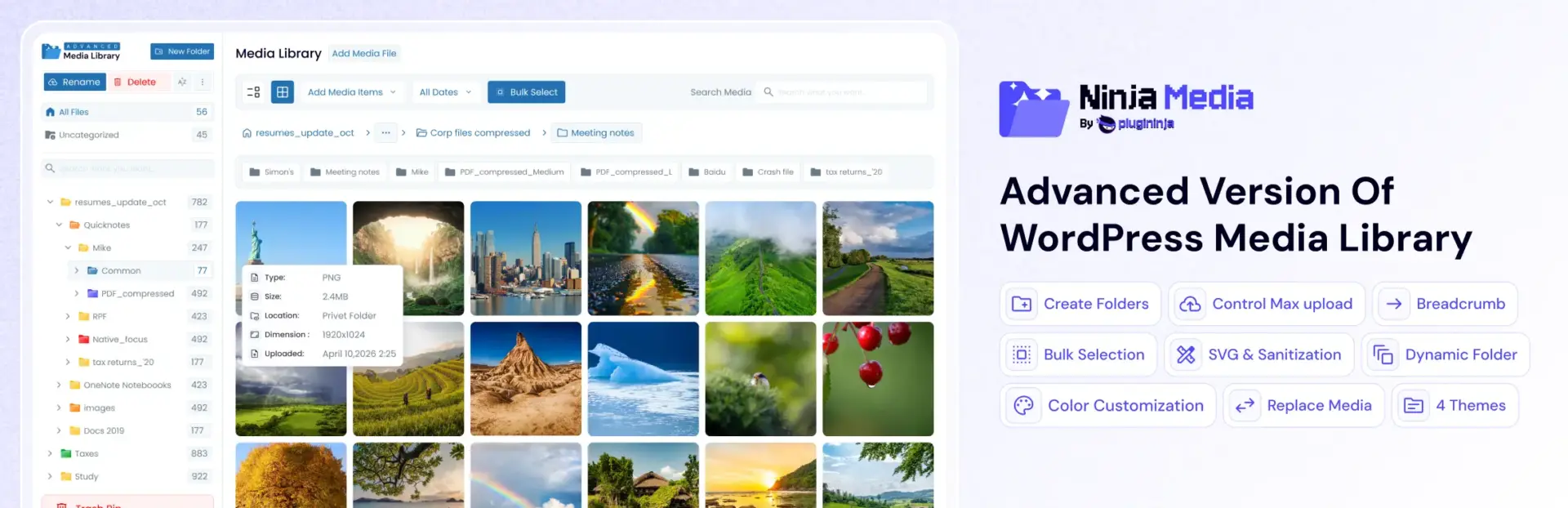
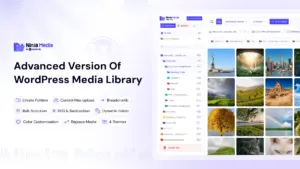
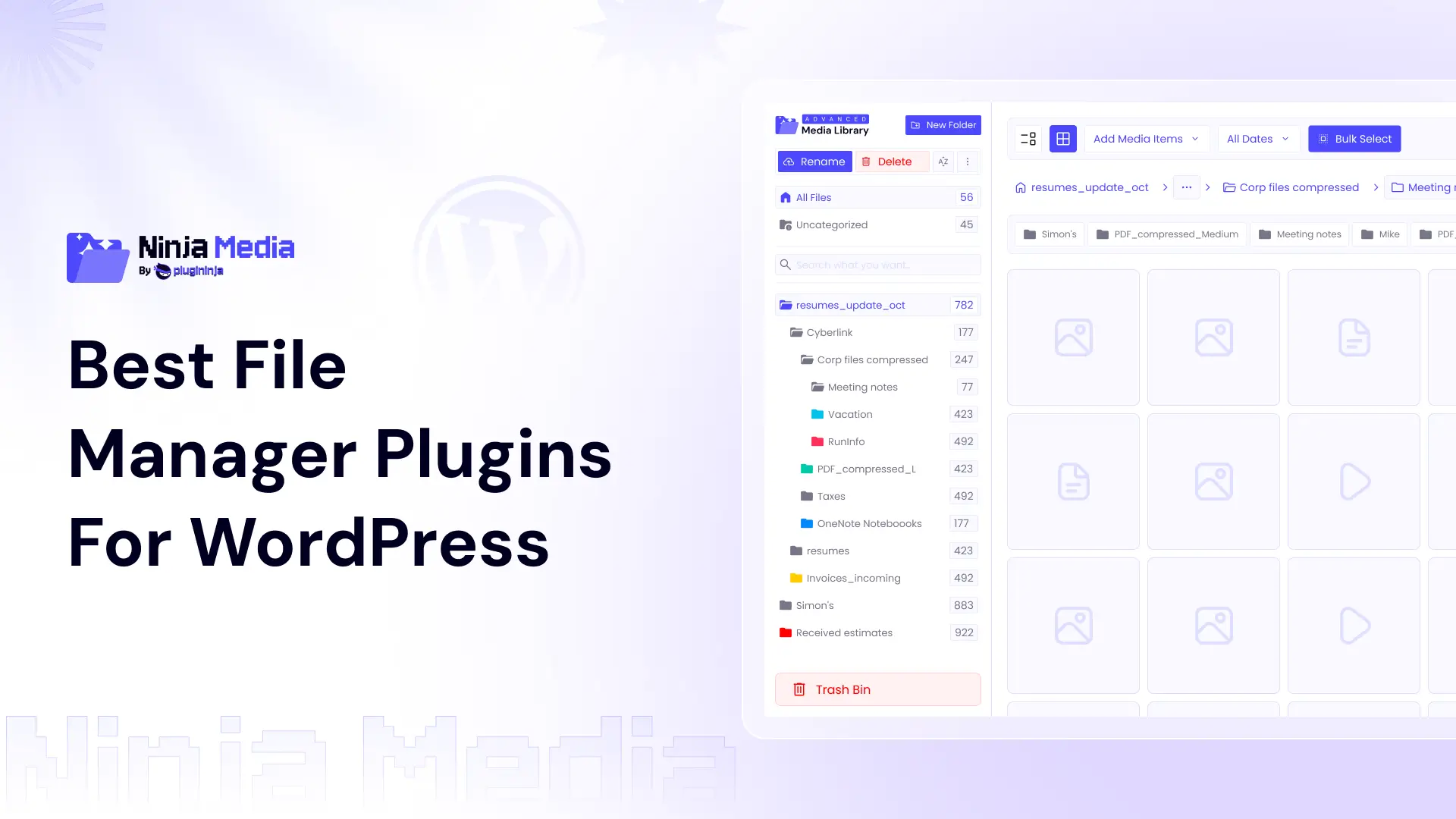
Ninja Media organizes your WordPress media library using virtual folders, allowing you to easily arrange assets without changing their original file URLs. It is a highly practical choice for content-heavy sites and WooCommerce stores that regularly upload new media.
Key Features:
- Drag-and-drop media folder management
- WebP conversion for faster images
- Automatic image watermarking
- Secure SVG upload support
- Replace media without broken links
- Organize posts with Post-Type Folders
Best Use Case: Organizing large media libraries.
Pricing: Starts at $39.99/year.
Who Should Use It: Bloggers, designers, photographers, and online stores.
5. FileBird

FileBird is a media library folder plugin who allow users to create folders in the WordPress Media library to organize files similar to Ninja Media.
Key Features:
- Drag-and-drop folders
- Virtual file organization
- Multi-level folder system
- Bulk media management
- ZIP downloads
Best Use Case: Organizing large media files.
Pricing: $49 for one license.
Who Should Use It: Bloggers, designers, photographers, and online stores.
6. Real Media Library
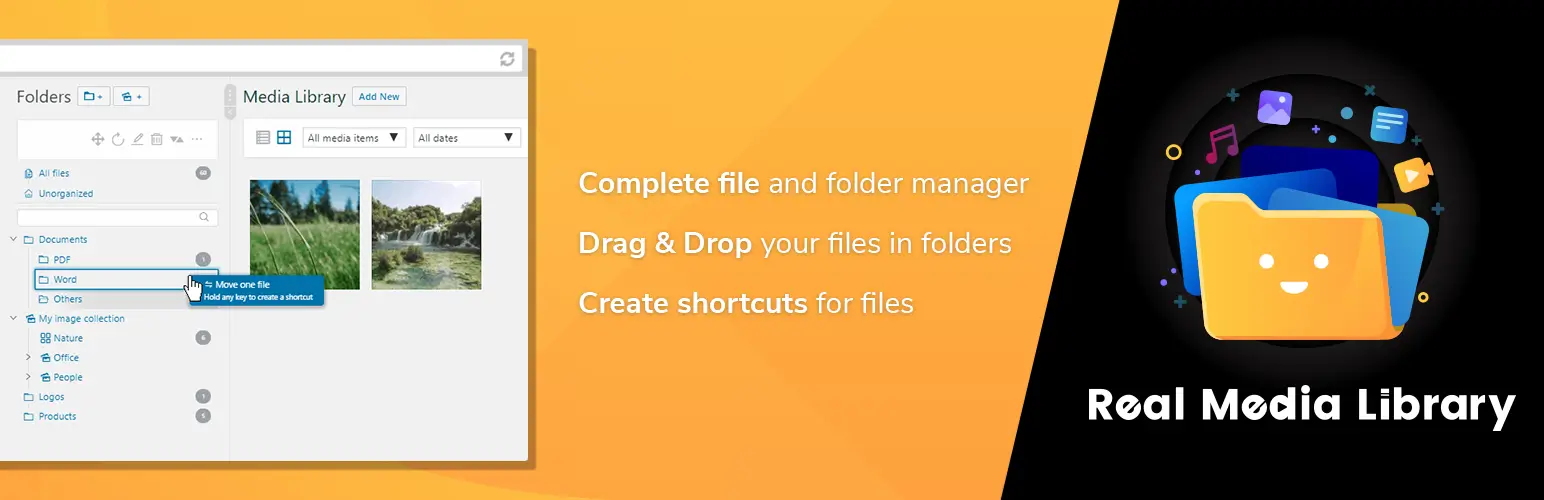
Real Media Library is built for large WordPress websites that need to organize thousands of media assets with ease. The plugin uses structured folders, collections, and galleries to keep files quickly searchable, making it exceptionally useful for agencies and enterprise platforms with heavy digital workflows. Because it streamlines asset retrieval as your library grows, it remains a strong option among the Best WordPress File Manager Plugins for scalable media management.
Key Features:
- Folder shortcuts
- Collections and galleries
- Advanced filtering
- Developer APIs
- WooCommerce support
Best Use Case: Enterprise-level media organization.
Pricing: Starts at €39/year.
Who Should Use It: Large agencies and enterprise WooCommerce stores.
7. Folders

Folders is a simple, lightweight plugin that helps you organize posts, pages, and media files without any unnecessary complexity. It is easy to set up and perfect for beginners who just need straightforward content organization. While it focuses on essential features rather than advanced administrative tools, it still works well as one of the Best WordPress File Manager Plugins for basic file management needs.
Key Features:
- Drag-and-drop folders
- Simple organization tools
- Media categorization
- Lightweight setup
Best Use Case: Basic content organization.
Pricing: Starts at $69/year.
Who Should Use It: Beginners and small websites.
How to Pick the Right One for You
- Best for Beginners: WP File Manager is the easiest option for new users because of its familiar interface and simple workflow.
- Best for Developers: Advanced File Manager offers deeper server access, cloud integrations, and advanced editing tools.
- Best for Media-Heavy Websites: FileBird and Ninja Media are ideal for organizing large image and video libraries.
- Best Lightweight Option: Folders is a good choice for users who want basic organization without extra features.
- Best Free Option: Filester delivers premium-level functionality at no cost.
- Best Security-Focused Option: Advanced File Manager includes advanced role permissions and hidden file path protection for stronger security.
Conclusion
Choosing the right tool depends entirely on your specific workflow. If you need a reliable all-around solution, WP File Manager is a great starting point. For superior media library organization, Ninja Media works exceptionally well, while Advanced File Manager is better suited for developers and agencies requiring deeper control.
Ultimately, the Best File Manager Plugins For WordPress make website administration much easier by improving file organization, simplifying uploads, and reducing your reliance on traditional FTP software. Whether you run a simple blog, a growing business site, or a large enterprise platform, choosing the right plugin will save you time and streamline your daily workflow.


 Ahanaf Istiyad

 plugininja
 Join Community