



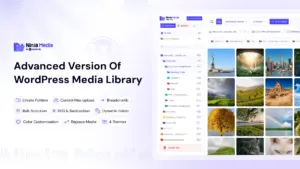

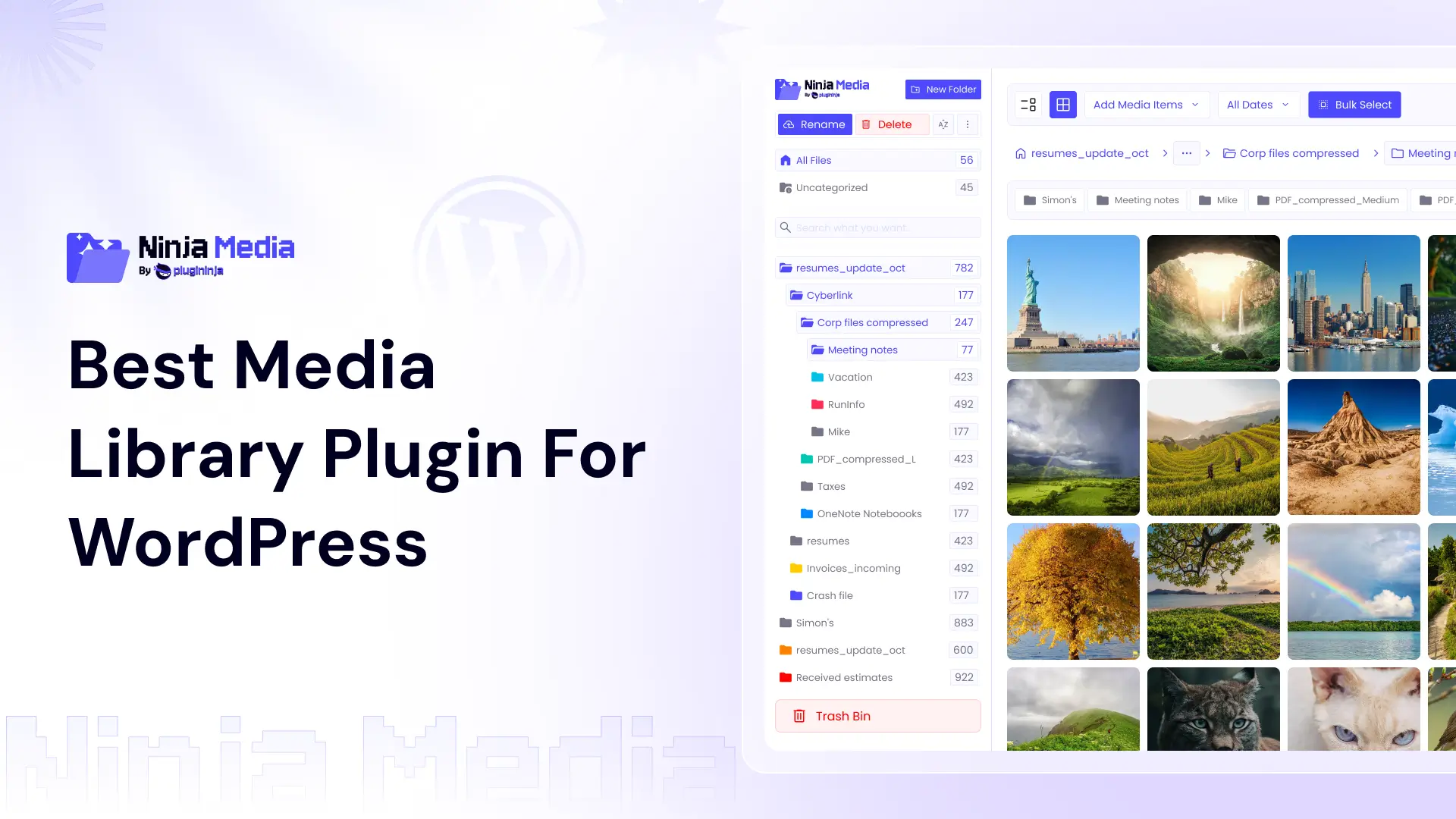
WordPress Media Library is very frustrating and time-wasting, that’s why everyone needs something better that will make this media process faster and give massive settings. In this article, I will guide you on which is the best media library plugin for WordPress. So let’s div in.
Why the Default WordPress Media Library Is Not Enough
By default, WordPress gives you a flat grid of uploads sorted by date: no folders, tags, or collections. This is fine for sites with fewer than a hundred files. But for those running content-heavy or product-based sites, it quickly becomes difficult to manage.
A special WordPress media library plugin changes your experience. Here are some of the benefits you can get with it:
- Folder-based organization, just like your desktop file system.
- Faster file retrieval through search, filters, and tags.
- Watermark Features.
- Convert to WebP.
- Drag & Drop Functionality.
Quick Comparison: All Four Plugins at a Glance
Not sure which one suits your situation? Here is a snapshot to help you decide at a glance:
| Rank | Plugin | Price/year | Rating |
| 🥇 | Ninja Media | Free / $39.99 | ★★★★⯪ | 4.9 |
| 🥈 | FileBird | Free / $49 | ★★★★⯪ | 4.7 |
| 🥉 | Real Media Library | Free / $39 | ★★★★⯪ | 4.8 |
| 4 | Media Library Assistant | Free | ★★★★⯪ | 4.8 |
1. Ninja Media: Best Media Library Plugin for WordPress
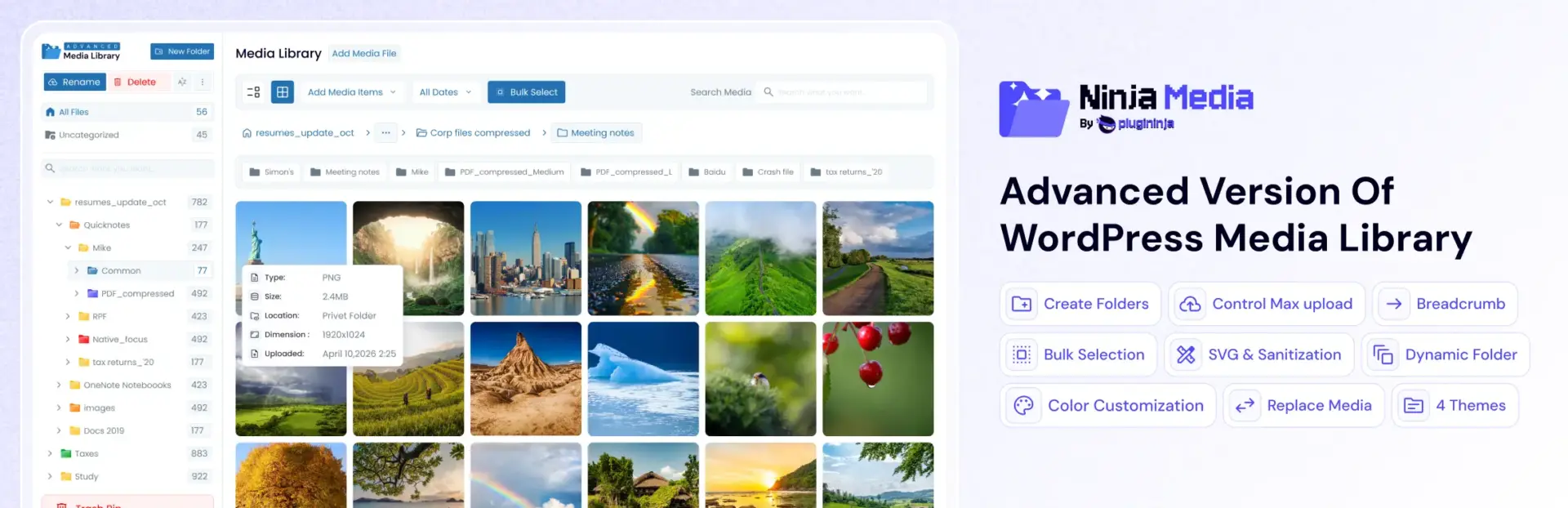
Ninja Media is quickly becoming a favorite media library plugin thanks to its lightweight, user-friendly design. It introduces a virtual folder system directly inside your WordPress dashboard, so you can drag and drop files into logical categories without touching a single URL.
This is a critical detail: because the folders are virtual, reorganizing your library will never break existing links on your published pages. It is a set-it-and-forget-it solution that scales effortlessly.
Key Features
- Unlimited Folder Create
- Convert to WebP
- ✨ Ai Dynamic Folder
- Replace Media
- Post Type Folder
- Media Library File & Folder Drag & Drop
- Unused file category
- Move to trash first
- Watermark
- Supports: images, PDFs, videos, and audio
Who Should Use Ninja Media?
Every WordPress website owner should use the Ninja Media because it’s a very important plugin that will save a massive amount of time and frustration in finding files.
Pros: Super fast and lightweight | Virtual folders keep URLs intact | Broad theme & plugin compatibility
2. FileBird: Top Media Library Plugin for WordPress

FileBird has been a good plugin for WordPress media organization for years, and the 2026 version continues to justify that reputation. It has the offer folder create, drag and drop, post type folder, and no other!
Key Features
- Unlimited nested folders with drag-and-drop simplicity
- Native integration with Elementor, Divi, Beaver Builder, and WooCommerce
- Post Type Folder
- Supports all media types: images, PDFs, videos, and audio
Who Should Use FileBird?
FileBird is the go-to choice for bloggers, content teams, and small-to-medium businesses that want powerful organization without a steep learning curve. If you are just getting started with media management, this is where to begin.
Pros: Intuitive drag-and-drop UI | Broad theme & plugin compatibility
3. Real Media Library: Advanced Media Library Plugin
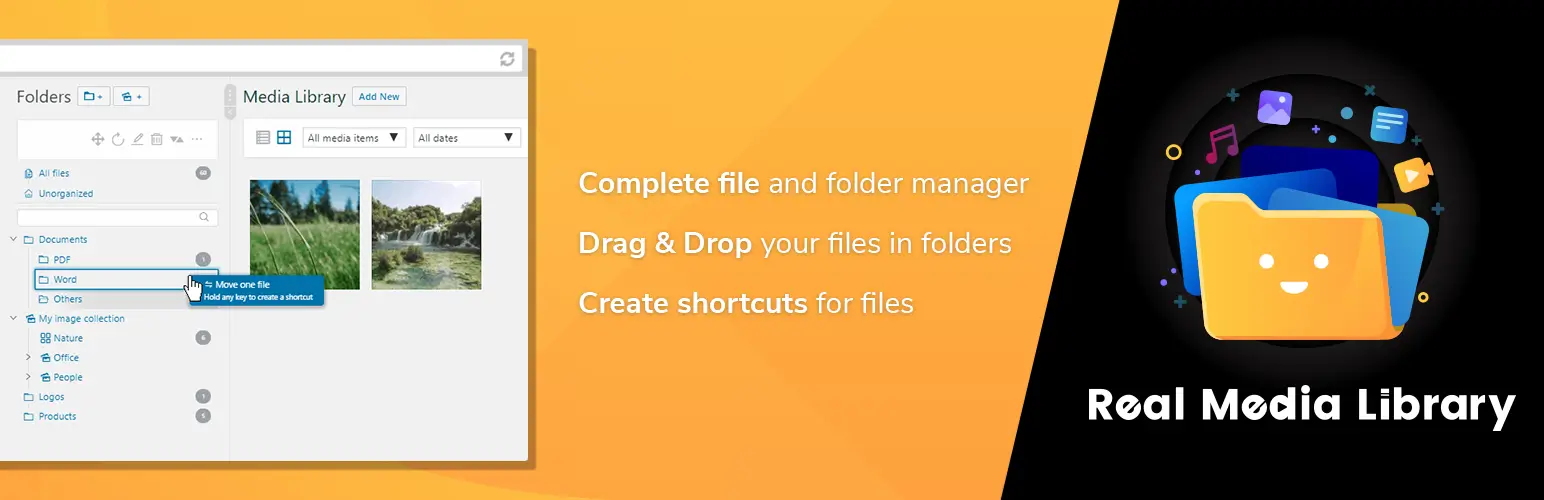
When your site has tens of thousands of assets, and you need more than simple folders, Real Media Library steps up as a truly advanced media library plugin. It goes beyond organization and introduces the concept of “collections,” which are smart shortcuts that let you reference files across multiple folders without duplicating them.
This is particularly powerful for e-commerce stores where a product image might live in a category folder but also needs to appear in a seasonal campaign collection.
Key Features
- Virtual and physical folder support for maximum flexibility
- The collection system eliminates file duplication across projects
- Advanced filtering by file type, date, and custom metadata
- Multi-language support is built in, making it ideal for international sites
Who Should Use Real Media Library?
Large-scale WooCommerce stores, media agencies, and any site managing a truly massive asset library. The learning curve is real, but so is the payoff.
Pros: Powerful collection management | Great for multilingual sites | Pairs well with gallery plugins
4. Media Library Assistant: Best Free Media Organizer Plugin for Power Users
Media Library Assistant does not win any beauty contests, but it is arguably the most capable free WordPress media library plugin available. It gives you deep control over file metadata, custom shortcodes, and bulk editing, all at zero cost.
If you love data and want to control every attribute of every file in your library, this is the tool for you. It is open-source, actively maintained, and trusted by tens of thousands of sites.
Key Features
- Comprehensive metadata management across all file types
- Powerful shortcodes for displaying media in custom layouts
- Bulk editing for Alt Text, titles, captions, and descriptions
- Completely free with no premium upsell
Who Should Use Media Library, Assistant?
Technical users, SEO specialists, and developers who want granular control over media metadata without paying a subscription. Expect a learning curve, but it is worth it.
Pros: 100% free and open-source | Deep metadata control | Robust bulk editing tools
Final Verdict: Which Is the Best Media Library Plugin for WordPress in 2026?
After hands-on testing, Ninja Media is the Best Media Library Plugin For WordPress, while FileBird was also in a good position. Ninja Media impressed with its awesome advanced features, strong performance, wide compatibility, and useful premium features like watermarks and page/post type management.
Overall, the right choice ultimately depends on your specific needs and workflow:
- Running a fast, lean dev build? Go with Ninja Media.
- Managing thousands of product assets for an e-commerce store? Ninja Media is built for you.
- All four plugins have free versions and trials, so you can test them out first.
Conclusion
A cluttered media library can slow down your workflow and waste valuable time. Choosing the best media library plugin for WordPress helps you organize files faster, improve productivity, and manage content more efficiently in 2026.
Whether you prefer Ninja Media, FileBird, Real Media Library, or Media Library Assistant, the right WordPress media library plugin can transform how you manage media. Set up your folders, organize your files, and focus on creating great content.


 Ahanaf Istiyad

 plugininja
 Join Community