




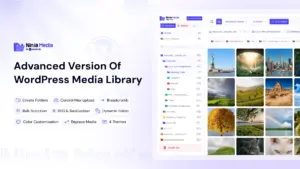


Finding the best free wordpress gallery plugins is essential for photographers, agencies, and businesses seeking to showcase visual portfolios in 2026. While the default WordPress gallery block handles simple image grids, it lacks critical presentation features such as responsive lightboxes, dynamic masonry layouts, category filtering, and folder-based album organization. An effective gallery tool must combine striking visual presentation with optimized asset loading to prevent damaging Core Web Vitals performance.
Table of Contents
Why You Need Dedicated Free WordPress Gallery Plugins
High-resolution imagery is essential for storytelling, but unoptimized galleries often cause severe layout shifts and slow down page speeds. Using modern free wordpress gallery plugins ensures that your media displays in clean, responsive containers while incorporating automated WebP conversion and lazy loading.
According to the official WordPress Documentation on image galleries, modern presentation standards require responsive srcset attributes and touch-enabled mobile lightbox navigation. Choosing the right plugin allows you to achieve stunning visual layouts without compromising mobile browsing performance.
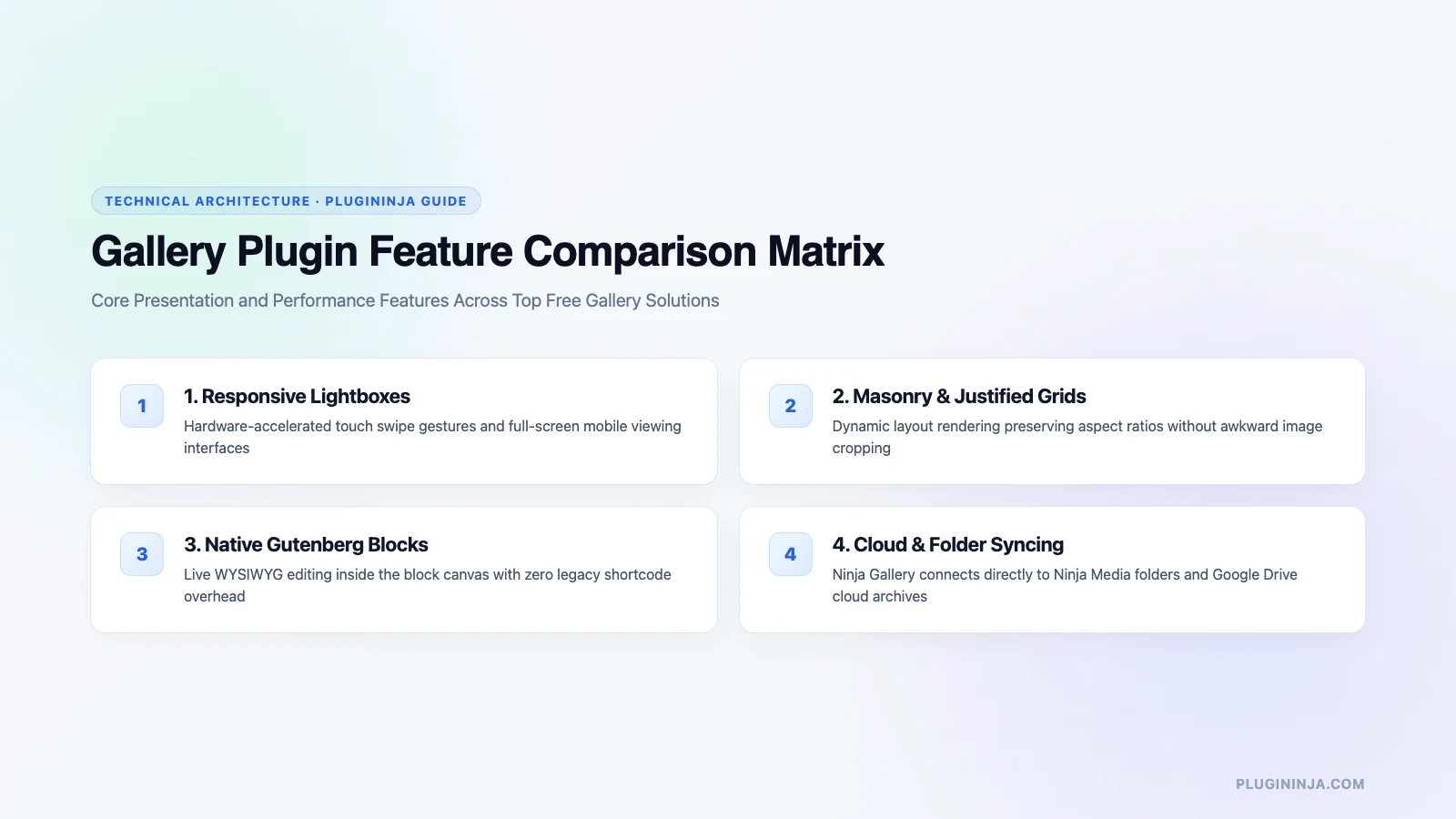
Top Solutions: Best Free WordPress Gallery Plugins Reviewed
Here is an in-depth breakdown of the most capable gallery plugins available for WordPress users:
1. FooGallery: One of the most feature-complete free options available, offering responsive masonry, justified, and standard grid layouts. FooGallery includes built-in lazy loading, touch-friendly lightboxes, and seamless block editor integration.
2. Envira Gallery Lite: Known for its clean, beginner-friendly drag-and-drop builder. The free version provides responsive grid layouts, lightning-fast lightboxes, and built-in image optimization to ensure rapid page loading.
3. Modula Image Gallery: Highly customizable free tool that allows creators to design unique mosaic layouts by resizing individual images freely within the builder. It includes custom hover effects, spacing controls, and social sharing links.
4. NextGEN Gallery: The veteran gallery solution built specifically for high-volume photography sites. NextGEN manages image albums through dedicated database tables, offering batch uploads, watermarking, and proofing tools.
5. Photo Gallery by 10Web: Provides versatile album views, slideshow presentations, and thumbnail navigation, ideal for portfolio creators who require detailed image tags and category filtering.
6. Robo Gallery: A fast, modern gallery plugin featuring automated responsive resizing, custom color schemes, and seamless integration with third-party lightbox engines.
7. Meow Gallery: Developed by photography enthusiasts, Meow Gallery integrates directly with the WordPress core media library and Gutenberg editor, producing remarkably lightweight and semantic HTML markup.
8. Photo Gallery by Supsystic: Offers responsive photo grids with customizable hover borders, social sharing icons, and full-screen image viewing.
9. Portfolio Gallery: Designed specifically for digital agencies, showcasing creative projects with smooth isotope animation and category filter tabs.
Optimizing Gallery Assets with Cloud Storage and Media Folders
High-resolution photography portfolios can quickly consume gigabytes of expensive server storage. By leveraging Ninja Drive, you can display high-resolution photos stored directly in Google Drive, bypassing server storage limits entirely. In addition, organizing your media files with Ninja Media creates neat folder structures in the dashboard, making album organization effortless. Discover more image optimization techniques on the PluginInja blog.
Performance Best Practices for WordPress Galleries
When displaying galleries containing dozens of high-resolution images, follow these essential speed tips:
Always enable native lazy loading so that images below the fold only download when scrolled into view. Convert uncompressed JPEG files to modern WebP formats before creating albums to reduce file weights by up to 70%.
Additionally, implement pagination or infinite scroll for galleries featuring more than 30 images to keep initial document load times under one second.
Utilizing high-performance free wordpress gallery plugins with clean DOM wrappers prevents visual stuttering and delivers smooth touch navigation on smartphones.
Step-by-Step Guide to Build an Optimized Gallery
Creating an interactive portfolio with free wordpress gallery plugins takes only a few minutes when following these proven configuration steps:
Step 1: Configure Default Dimensions: Open your plugin settings to define maximum thumbnail widths and aspect ratios, ensuring consistent visual alignment across all albums.
Step 2: Upload Optimized Assets: Select WebP images with standardized dimensions, adding descriptive alt text to every file to support search engine optimization.
Step 3: Select Layout and Lightbox Styles: Choose between masonry, justified, or grid views, and configure touch-friendly swipe lightboxes for smartphone visitors.
Step 4: Embed on the Canvas: Insert the native block into your target page, previewing responsive breakpoints across desktop and mobile devices before publishing.
Mobile Responsive Design and Touch Navigation
Over 60% of modern web traffic originates from mobile devices. Leading free wordpress gallery plugins incorporate smooth touch gestures, including pinch-to-zoom and swipe transitions. Configuring single-column layouts for mobile screens ensures visitors enjoy an app-like browsing experience without horizontal scrolling.
Understanding layout mechanics helps you select the right display mode. Grid layouts enforce uniform square crops, making them ideal for product displays. Masonry layouts preserve vertical heights, perfect for portrait photography, while justified layouts align horizontal strips seamlessly without awkward white space.
Furthermore, ensure your gallery plugin populates meaningful alt text attributes, ARIA label tags, and keyboard focus outlines so visually impaired visitors can navigate your photo albums effortlessly. Combining accessibility standards with responsive image delivery ensures exceptional user satisfaction across all audiences.
Testing your gallery layouts across diverse devices ensures that photo portfolios load instantly without visual layout shifts or slow server responses.
Final Thoughts on the Best Free WordPress Gallery Plugins
Deploying dedicated free wordpress gallery plugins allows you to build striking visual portfolios without bloating your website or compromising loading speeds. Whether you select FooGallery for layout versatility or Modula for creative mosaic designs, pair your gallery with clean image optimization and cloud storage. Choose one of the recommended free wordpress gallery plugins today to elevate your website visual presentation.
Frequently Asked Questions
A gallery plugin can degrade performance if it loads uncompressed source images or executes bulky JavaScript on every page. High-performance modern plugins prevent speed penalties by generating responsive WebP thumbnails, enabling browser-native lazy loading, and only enqueueing frontend assets on templates where a gallery block actually appears.
A standard grid forces images into uniform square or rectangular cells, which often crops portrait and landscape photos awkwardly. In contrast, a masonry layout arranges images like bricks in a wall, preserving each photo’s original aspect ratio while eliminating uneven vertical gaps between rows.
Yes, modern solutions like Ninja Gallery connect directly with cloud storage plugins such as Ninja Drive and Ninja Box. This integration allows you to showcase photo galleries hosted in Google Drive or Dropbox without consuming local hosting server storage or exceeding media upload quotas.
FooGallery offers a free core edition available in the official WordPress plugin repository that includes responsive grid, masonry, and justified layouts with built-in lightboxes. While advanced features like category filtering and video embeds require a premium license, the free tier is fully functional for commercial sites.
WebP is a modern image format that delivers 25% to 35% smaller file sizes compared to standard JPEG and PNG files at equivalent visual quality. Compressing gallery images into WebP significantly reduces total page weight, accelerating mobile load speeds and improving Core Web Vitals rankings.
Ninja Gallery links directly with Ninja Media folder taxonomies. When you designate a media folder as a gallery source, any new image uploaded to that specific folder is automatically added to the frontend gallery display, eliminating the need to manually rebuild or edit gallery blocks.


 Jakir


 Ahanaf Istiyad

 Join Community