


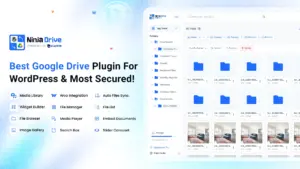

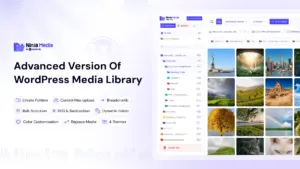

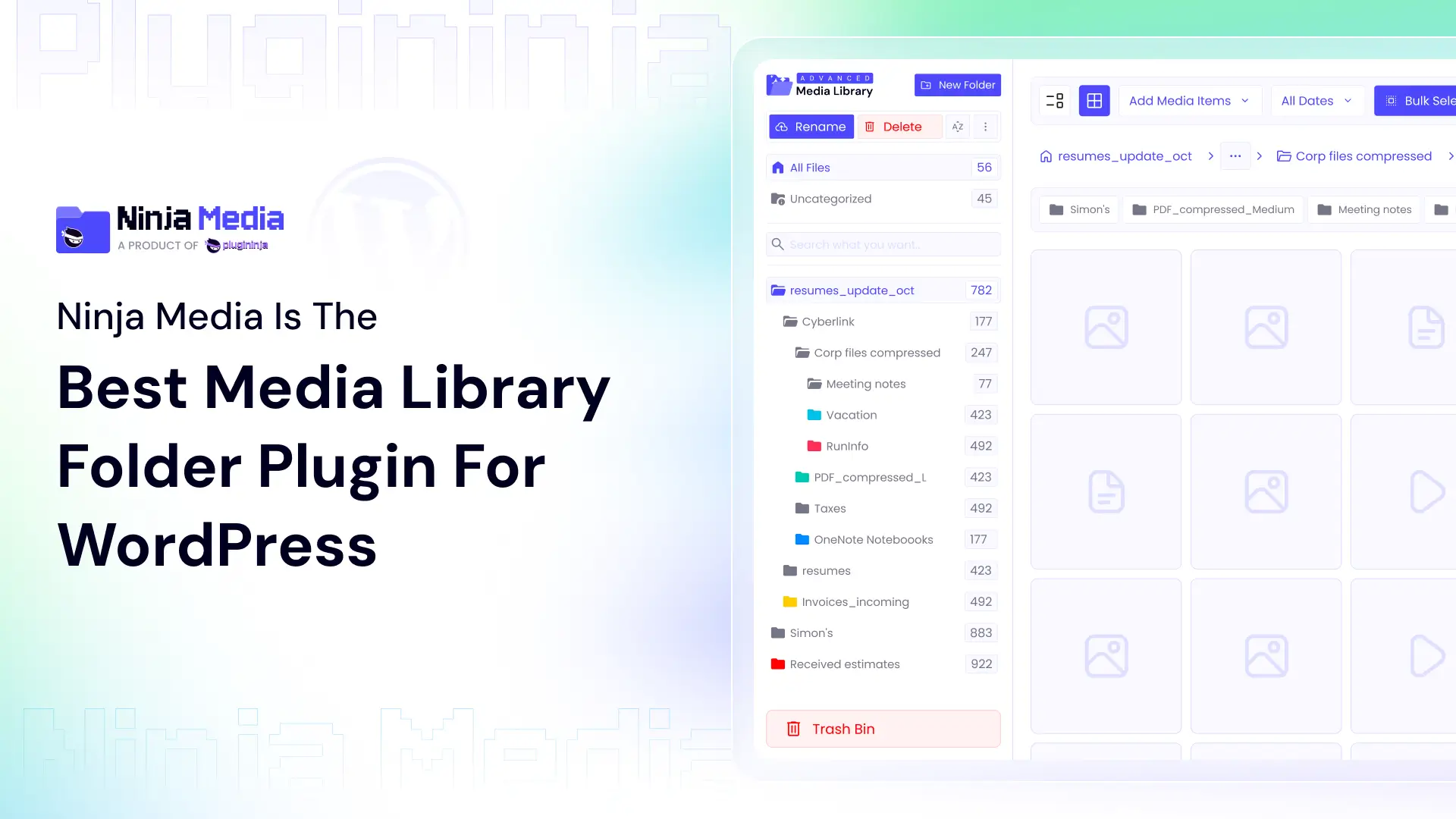
The question is Why Ninja Media Is the Best Media Library Folder Plugin for WordPress? Here is the answer: The default WordPress media library was never designed for handling thousands of images, videos, PDFs, and documents efficiently. Everything stays in one large grid without proper organization, making it difficult to find files quickly. And other plugins that allow Media Folder but don’t have good design, user experience, fast response, advanced features, but Ninja Media has.
Why the Default WordPress Media Library Is Not Enough
The traditional WordPress media library only organizes uploads by month and year. There are no folders, smart categories, advanced search systems, or visual organization tools built into WordPress itself.
As websites grow larger, users often face problems like:
- Difficulty finding media files
- Slow workflow
- Messy uploads
- Duplicate files
- No folder management
- Poor organization for teams and agencies
Many WordPress users on Reddit and the WordPress community mention how difficult media management becomes without folders or advanced organization tools.
Ninja Media solves these problems with a complete advanced media management system built directly into WordPress.
So, why Ninja Media is the best Media Library folder plugin for WordPress?
Unlike many older media plugins, Ninja Media focuses on modern workflow, performance, and simplicity. It transforms the default WordPress media library into a powerful file management system without making the dashboard complicated.
The plugin is lightweight, beginner-friendly, and designed for both small websites and massive content-heavy platforms.
Advanced Folder System
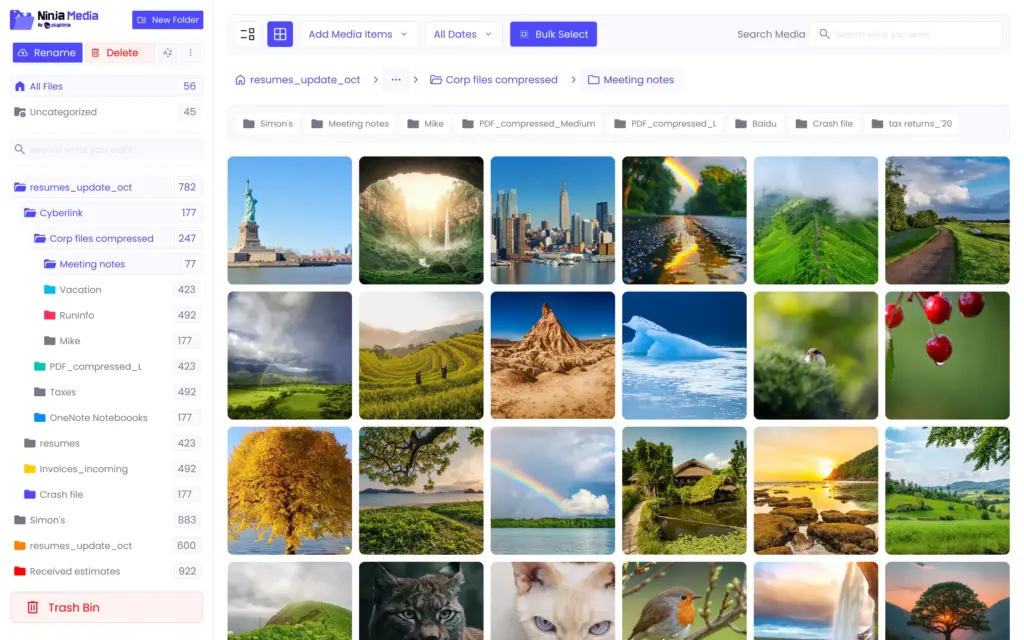
One of Ninja Media’s biggest strengths is its advanced folder management system.
You can:
- Create unlimited folders and subfolders
- Organize files with drag and drop
- Rename folders anytime
- Use dynamic folders
- Manage uncategorized files
- Detect unused files automatically
This makes media management feel similar to organizing files on your computer.
Drag-and-Drop File Management
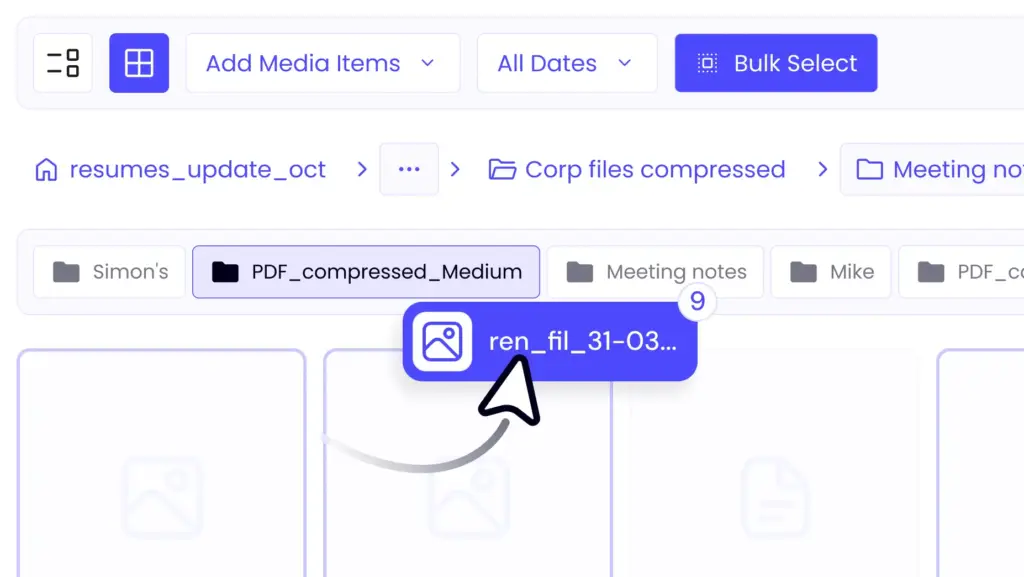
Ninja Media makes organizing files incredibly easy with drag-and-drop controls. Instead of manually editing media items one by one, users can bulk select files and move them instantly between folders. This becomes extremely useful for websites with thousands of uploads. The workflow is fast, smooth, and beginner-friendly.
Smart Folder Search
Finding files inside a large media library can waste a huge amount of time. Ninja Media includes smart folder searching that allows users to quickly locate media files and folders.
This feature is especially important for:
- WooCommerce stores
- Blogging websites
- Agencies
- News websites
- Portfolio websites
- Educational platforms
SVG Upload Support with Sanitization
WordPress blocks SVG uploads by default because SVG files may contain unsafe code. Ninja Media solves this by allowing SVG uploads with built-in sanitization protection. This means users can safely upload:
- SVG logos
- Icons
- Vector graphics
- Lightweight scalable images
Without manually editing WordPress code.
Replace Media Without Breaking Links
One of the most useful features in Ninja Media is Replace Media. Normally, replacing media files in WordPress can break URLs or require updating content manually. Ninja Media allows users to replace files instantly while keeping existing media links intact.
This is extremely useful when updating:
- Product images
- PDFs
- Brand assets
- Downloadable documents
- Website graphics
Cloud Storage Integration (Coming Soon)
Ninja Media is also preparing integrations with cloud storage platforms like:
- Google Drive
- Dropbox
This allows users to access cloud files directly from the WordPress media library without repeatedly uploading files. Cloud integration is becoming one of the most requested features for WordPress media management in 2026.
Watermark Protection for Media Files
Content creators and businesses often need to protect their images from unauthorized use. Ninja Media includes watermark features that allow users to secure media files and strengthen branding automatically.
This is especially valuable for:
- Photographers
- Designers
- Bloggers
- Agencies
- Digital product sellers
Dynamic Folders and Unused Media Detection
Large WordPress websites often contain thousands of unused media files that increase clutter and waste storage.
Ninja Media includes:
- Dynamic folders
- Unused file detection
- Trash-first deletion system
These features help users clean up media libraries safely and efficiently.
User-Friendly Interface and Themes
Many media folder plugins feel outdated or complicated.
Ninja Media focuses heavily on user experience with:
- Modern interface
- 4 user-friendly themes
- Color-coded folders
- Breadcrumb navigation
- Media details on hover
- Color customization
The result is a cleaner and more comfortable media management experience inside WordPress.
Built for Performance
Performance matters for WordPress websites. According to Plugininja, Ninja Media is built with lightweight database queries, lazy loading support, and optimized media handling to avoid slowing down websites. Many users want media organization without sacrificing website speed, and Ninja Media focuses strongly on that balance.
Works with Popular WordPress Builders
Ninja Media is compatible with major WordPress tools and page builders, including:
- Elementor
- Gutenberg
- Divi
- Classic Editor
- Contact Form 7
This makes it easy to use across almost any WordPress workflow.
Why Ninja Media Is One of the Best Choices in 2026
The WordPress ecosystem is becoming more media-heavy every year. Websites now manage:
- Large image libraries
- Video content
- Downloadable files
- PDFs and documents
- Cloud media assets
A modern website needs more than the default WordPress media library.
Ninja Media combines:
- Advanced folders
- Smart search
- Drag-and-drop management
- SVG support
- Replace media
- Watermark protection
- Cloud integrations
- Dynamic organization
- Modern UI
into one complete media management solution.
Final Thoughts
If you are searching for the best media library folder plugin for WordPress in 2026, Ninja Media is one of the strongest modern solutions available today.
It helps website owners organize media files faster, improve workflow, reduce clutter, and manage large media libraries with ease.
Whether you run a blog, agency, WooCommerce store, portfolio, or business website, Ninja Media gives you the tools to make WordPress media management faster, cleaner, and more efficient.


 Ahanaf Istiyad

 plugininja
 Join Community