




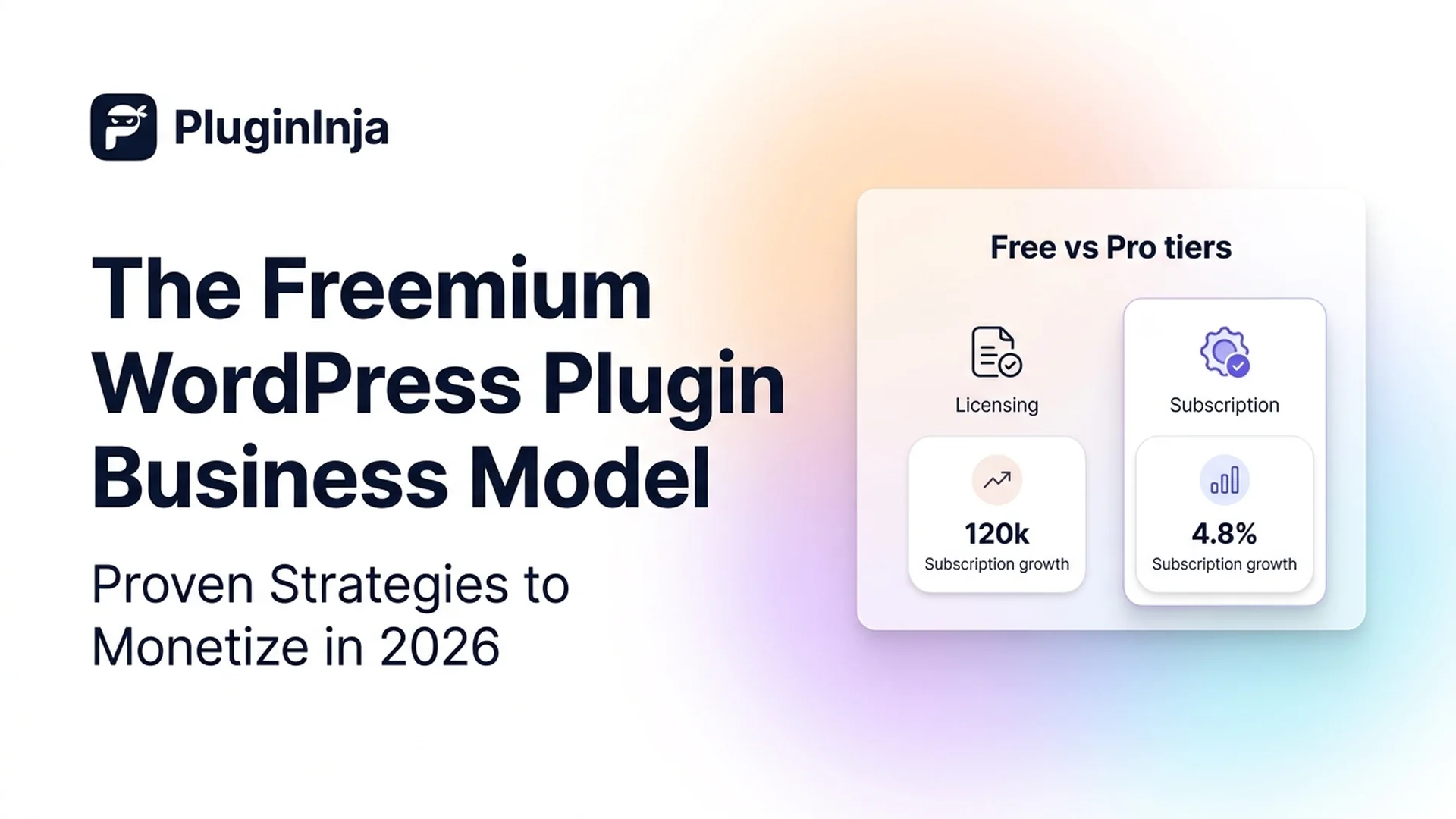
A freemium WordPress plugin combines a free core plugin on WordPress.org with paid premium add-ons or Pro upgrades. This business model allows developers to gain massive top-of-funnel adoption, build trust, and convert a predictable percentage of active users into paying annual subscribers. In 2026, launching a freemium WordPress plugin remains the most sustainable way to scale a commercial WordPress software business.
Table of Contents
Core Principle: The free tier is your marketing engine, not an incomplete trial. If free users cannot solve their basic problem reliably, they will uninstall your plugin instead of upgrading.
How the Freemium WordPress Plugin Model Works
The official WordPress.org Plugin Directory hosts over 70,000 plugins and functions as the primary search engine for site owners looking to add functionality. When you release a freemium WordPress plugin on the repository, you get immediate access to this discovery engine without spending money on paid advertising.
Once a site owner installs your tool, they invest time configuring settings and training their team on its interface. As their website expands, their requirements become more advanced. At that point, upgrading to your Pro plan is the path of least resistance because switching to a competitor would force them to rebuild existing workflows.
The Free vs. Pro Feature Split
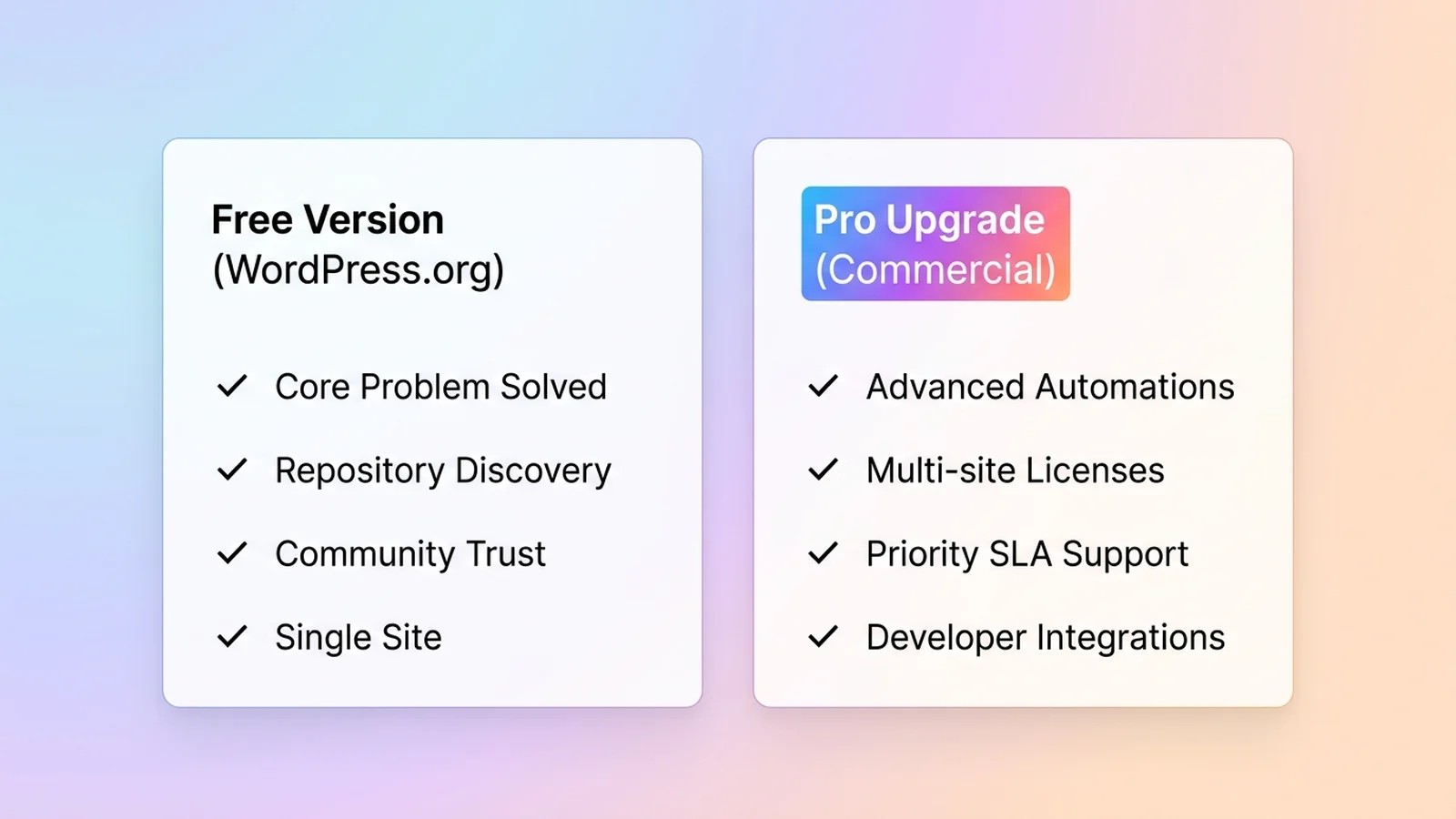
Deciding which features stay free and which go behind a paywall determines whether your freemium WordPress plugin business model succeeds. The free tier must provide complete utility for basic use cases, while the Pro tier should cater to businesses, agencies, and power users who generate revenue from their websites.
| Free Version (Adoption & Trust) | Pro Version (Revenue & Scale) |
|---|---|
| Solves the core problem fully without artificial roadblocks | Advanced automation, scheduled tasks, and bulk actions |
| Single-site support and standard admin settings | Multi-site licensing, agency dashboards, and white-labeling |
| Community forum support on WordPress.org | Priority email ticketing with guaranteed response SLAs |
| Basic file or media organization | Third-party integrations with tools like Zapier, HubSpot, and Stripe |
| Full compliance with repository guidelines | Developer hooks, custom APIs, and advanced styling options |
When designing a freemium WordPress plugin, never lock essential maintenance or basic security features behind a paywall. When users feel respected rather than restricted, they leave positive five-star reviews that boost your search ranking across the directory.
5 Steps for WordPress Plugin Monetization
Building a profitable freemium WordPress plugin requires methodical execution from initial repository submission to automated subscription renewals. Follow these five steps:
1. Comply with WordPress.org Guidelines
Before writing a single upgrade banner, review the official WordPress.org Plugin Guidelines. The directory strictly prohibits deceptive code, intrusive global admin notices, and trialware that stops working after a set time. Place upgrade buttons only within your own plugin admin screens, and make all promotional banners easily dismissible.
2. Structure Predictable Pricing Tiers
Annual recurring subscriptions are strongly recommended over monthly billing for locally installed plugins. Monthly plans frequently incur higher payment processing fees and administrative overhead when users download updates and cancel quickly. Typical pricing tiers observed across popular plugins include:
- Single Site ($39–$59 per year): Perfect for solo bloggers, small business owners, and non-technical site managers.
- Up to 5 Sites ($89–$129 per year): Aimed at freelancers and developers managing multiple client websites.
- Agency / Unlimited Sites ($199–$299 per year): High-value tier offering centralized license activation, multi-site network support, and priority service.
3. Select the Right Commerce Platform
Developers generally choose between Freemius and self-hosted WooCommerce. Freemius handles global sales tax compliance, automatic software updates, in-dashboard checkout, and churn prevention out of the box in exchange for a tiered revenue share that scales with volume. Self-hosted WooCommerce avoids platform commissions but requires you to manage payment gateways, license servers, VAT compliance, and update infrastructure manually.
4. Design Contextual In-Admin Upsells
Instead of displaying generic upgrade popups, introduce upgrade triggers contextually where users encounter advanced needs. For instance, display inactive Pro settings with a neat label explaining the added capability, accompanied by a direct link to your checkout page. Users should always feel in control of their dashboard.
5. Minimize Annual Subscription Churn
Annual software renewals typically experience 30% to 40% churn if not managed proactively. Combat customer drop-off by sending pre-renewal notifications 14 days before billing, offering smooth card-update links, and maintaining an active development schedule. Consistent changelog releases reassure customers that their subscription delivers ongoing value.
Realistic Conversion and Revenue Benchmarks
In the WordPress ecosystem, commonly reported benchmarks indicate that a healthy freemium WordPress plugin converts 1% to 3% of its active install base into paying Pro subscribers. Products that address critical business workflows often achieve conversion rates at the higher end of this range.
Consider these realistic annual recurring revenue (ARR) estimates based on an average sale price of $49 per year:
- 1,000 Active Installs: 10 to 30 customers generating $490 to $1,470 ARR.
- 5,000 Active Installs: 50 to 150 customers generating $2,450 to $7,350 ARR.
- 10,000 Active Installs: 100 to 300 customers generating $4,900 to $14,700 ARR.
- 50,000 Active Installs: 500 to 1,500 customers generating $24,500 to $73,500 ARR.
- 100,000 Active Installs: 1,000 to 3,000 customers generating $49,000 to $147,000 ARR.
Final Thoughts
Launching a profitable freemium WordPress plugin requires balancing generous free utility with compelling premium incentives. By using the official repository as an organic discovery engine and earning five-star ratings through responsive support, you build compounding trust. Once site owners rely on your software for daily operations, clear upgrade pathways and transparent pricing make upgrading to a paid subscription a natural decision.
The PluginInja Multi-Product Flywheel
At PluginInja, our software ecosystem spans performance, media management, and cloud storage integrations. Every freemium WordPress plugin we develop—including Ninja Drive (Google Drive integration for WordPress) and Ninja Media (advanced WordPress media library folder manager) follow this exact freemium flywheel.
By delivering exceptional value in our free WordPress.org listings, we create natural customer touchpoints across our product catalog. When site owners experience reliable software and prompt support with one plugin, they naturally look to our other tools when solving new administrative challenges. Explore our full suite of solutions on the PluginInja blog to see this model in action.
Frequently Asked Questions
A freemium WordPress plugin provides a free core version on WordPress.org while offering advanced features, dedicated support, and multi-site licensing in a paid upgrade. This model helps developers build trust and reach thousands of users organically before converting a fraction of active sites into paying annual subscribers.
Most freemium plugin creators see conversion rates between 1% and 3% of active free installations. Tools that address critical, revenue-generating workflows often report slightly higher conversions. Success depends on giving free users genuine utility while offering clear, time-saving capabilities in the premium tier.
No. WordPress.org requires all hosted code to be fully open source under the GPL license. You cannot collect payments or restrict features inside repository downloads. All commercial transactions, checkout flows, and premium add-on downloads must occur externally through your own commercial website.
Freemius works well for developers who want a managed checkout, automated licensing, and global sales tax handling in exchange for a revenue share. Self-hosted WooCommerce avoids platform commissions, but requires you to manage payment gateways, license servers, VAT compliance, and update infrastructure on your own.
Many popular plugins use three annual tiers, typically around single site ($39 to $59 per year), multi-site for freelancers ($89 to $129 per year), and agency licensing ($199 to $299 per year). Annual plans are recommended over monthly billing to reduce payment processor fees and support churn.
You can reduce churn by sending automated reminder notices 14 and 3 days before renewal charges occur. Regular changelog releases and responsive support show ongoing product value. Providing simple payment update portals and grandfathered pricing also keeps customers from canceling unnecessarily.

 Jakir
Jakir 
 plugininja
 Join Community