





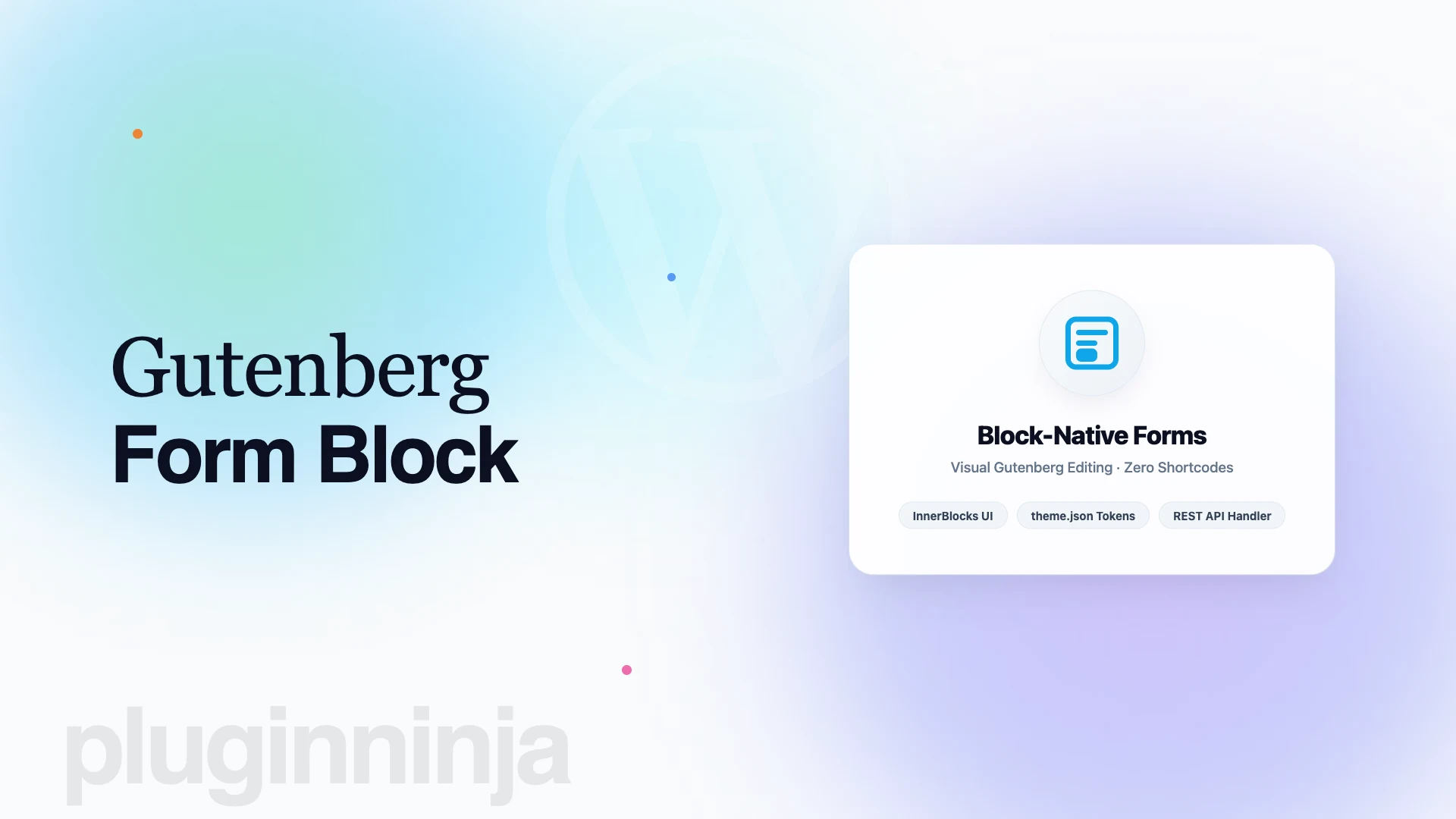
Using a dedicated gutenberg form block has transformed how developers create accessible data collection forms directly inside the WordPress block editor in 2026. For over a decade, WordPress form development relied on disconnected administrative screens and opaque shortcodes that hid form layouts during editing. In contrast, a modern gutenberg form block structures inputs as modular components, allowing you to design contact forms, surveys, and multi-step applications with live visual feedback.
Table of Contents
Why Developers Prefer a Gutenberg Form Block Over Shortcodes
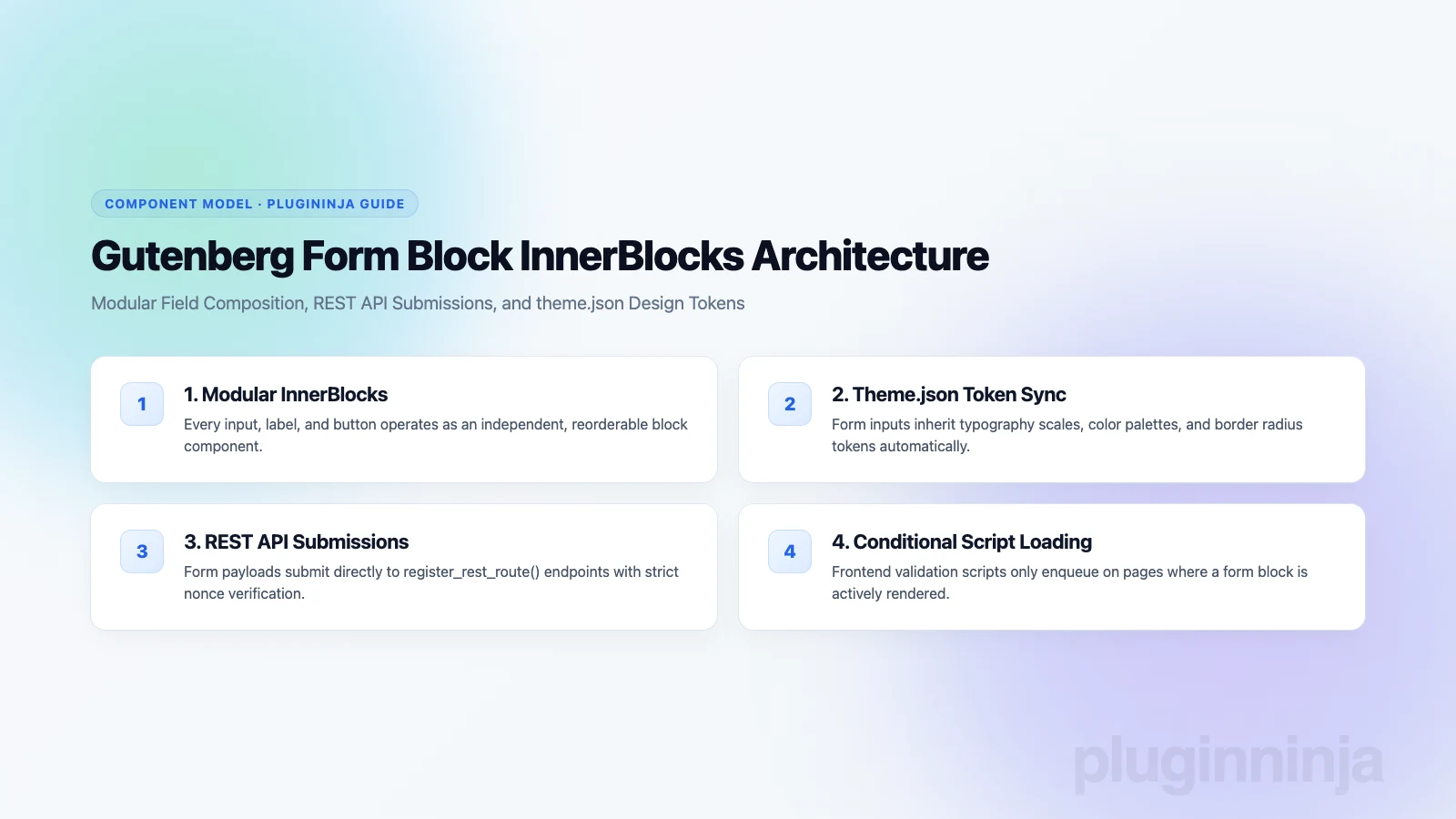
Traditional form builders bundle proprietary stylesheets and isolated editors that frequently conflict with active WordPress theme styling. When you build forms with native components, each input field operates as an independent inner block that automatically respects your site design system.
According to the WordPress Block Editor Developer Documentation, modern blocks register attributes through block.json to inherit theme.json color palettes, typography rules, and border settings automatically. This architectural shift guarantees that your forms maintain complete visual harmony across desktop and mobile screens without requiring custom CSS overrides.
InnerBlocks Architecture in Modern WordPress Forms
The core innovation behind the block editor is the InnerBlocks abstraction. Rather than generating rigid HTML forms via PHP rendering functions, a block container allows you to nest input elements freely within columns, groups, and cards. You can arrange text fields, email inputs, dropdown selects, and checkboxes in multi-column grids simply by using native WordPress layout tools.
Furthermore, because each input field is a native component, you can configure individual field properties using the WordPress block inspector sidebar. This includes adjusting field placeholders, setting required validation constraints, and defining custom helper descriptions directly where you compose page content.
Comparing Native Block Forms with Heavy Page Builders
Many legacy websites rely on bulky visual page builders such as Elementor or Divi just to render simple inquiry forms. Unfortunately, these external visual builders inject dozens of nested div wrappers, redundant CSS files, and heavy JavaScript libraries into every page payload, dragging down Google Core Web Vitals scores.
In contrast, an optimized block solution renders minimal semantic HTML directly into the page source. Form wrappers remain clean, browser rendering times decrease, and mobile visitors enjoy fast, responsive input interactions without layout shifts.
Building Custom Workflows with a Gutenberg Form Block
Modern form creation requires more than standard text fields and submit buttons. When implementing an advanced gutenberg form block, developers can assemble sophisticated multi-step workflows with ease:
Visual Multi-Step Containers: Organize extensive questionnaires into sequential slide containers with interactive breadcrumb progress indicators. Breaking long forms into smaller stages dramatically lowers user fatigue and boosts completion rates.
Conditional Display Logic: Dynamically reveal or conceal field containers based on preceding user selections directly inside the block canvas. Smart conditional rules keep your forms clean while capturing detailed customer information.
REST API Submissions: Post form submission payloads directly to custom REST API endpoints, bypassing legacy admin-ajax.php bottlenecks. Asynchronous endpoints ensure lightning-fast confirmations without full-page reloads.
Automated Lead Routing: Forward form submission data instantly to customer relationship platforms, email marketing lists, and webhook endpoints for automated processing.
Step-by-Step Setup: Building Your First Form
Creating an interactive inquiry form takes only a few minutes when following these structured configuration stages:
Step 1: Insert the Block Container: Open your page or post in the block editor, click the block inserter, and search for the form container block. Add it to your layout canvas.
Step 2: Add Modular Input Fields: Inside the container, nest your required field blocks: text inputs for names, email fields for contact details, and textareas for message inquiries.
Step 3: Define Validation Rules: Open the block sidebar settings to toggle required fields, configure minimum and maximum character lengths, and customize error validation messages.
Step 4: Configure Submission Actions: Set your target recipient email addresses, customize confirmation messages or redirect URLs, and verify spam protection filters.
Handling File Uploads and Media Storage Efficiency
Data collection forms frequently accept client file uploads such as resumes, design briefs, receipts, and project specifications. When users submit high-resolution attachments through website forms, saving these assets directly in your web hosting storage can quickly bloat server backups.
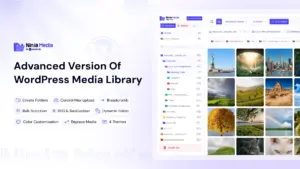
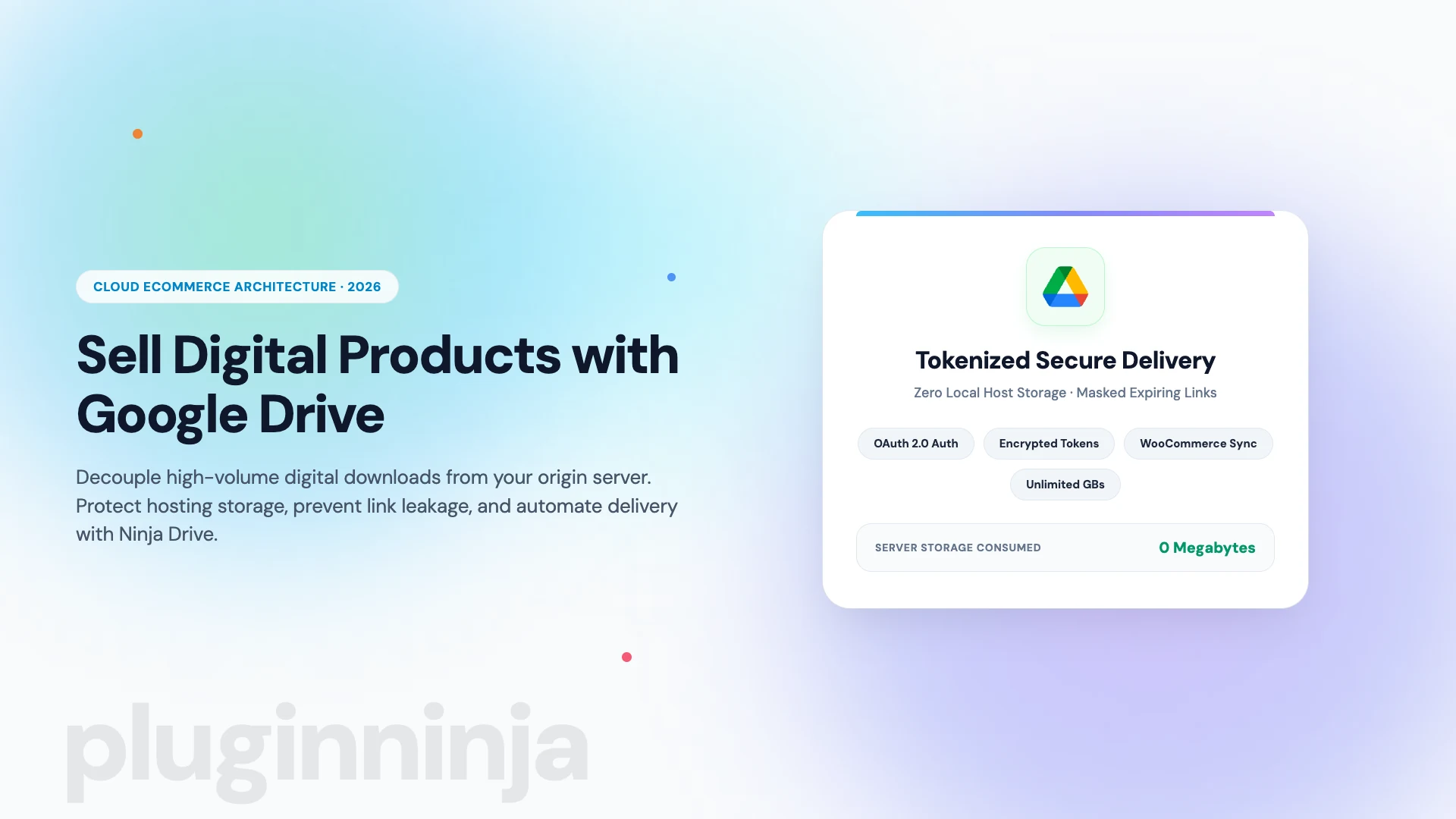
By connecting your form uploads with Ninja Drive, large client files stream directly into secure Google Drive folders, keeping your local database light and backups manageable. In addition, organizing form media within Ninja Media creates structured directories for client submissions. Learn more about modern block workflows by visiting the PluginInja blog.
Performance and Accessibility in a Gutenberg Form Block
Website performance and visitor accessibility are essential considerations for modern web development. An optimized gutenberg form block loads scripts conditionally, only enqueueing frontend assets on templates where a form block is actively rendered. This prevents unwanted JavaScript from bloating page weight on static landing pages.
Furthermore, an accessible layout pairs every input field with programmatic label associations, clear ARIA live error notifications, and keyboard navigation support. This ensures visitors using screen readers can complete and submit inquiries without encountering validation hurdles.
Modern form solutions also implement smart spam prevention mechanisms such as honeypot fields and lightweight cryptographic challenges, shielding site administrators from automated spam bots without burdening genuine users with frustrating image captchas.
Because native blocks integrate directly with browser validation APIs, clients receive immediate feedback before transmitting payloads across the network. This client-side pre-validation saves server bandwidth and improves overall user satisfaction.
Final Thoughts on the Modern Gutenberg Form Block
Switching to a modern gutenberg form block streamlines your editorial workflow while ensuring full compatibility with WordPress Full Site Editing. By leveraging native block tokens, REST API submission endpoints, and conditional asset loading, developers can deliver lightning-fast, beautifully integrated forms. Embrace the power of a gutenberg form block today to build clean, high-converting forms across all your WordPress projects.
Frequently Asked Questions
A Gutenberg form block plugin renders form fields directly inside the visual block editor, providing immediate WYSIWYG feedback. Each form element operates as a modular block inheriting theme.json design tokens, typography, and spacing automatically, eliminating styling conflicts and disjointed administrative panels.
Yes, modern block-native form plugins like Ninja Form for Gutenberg and Fluent Forms support multi-step layouts. Users can organize form fields into sequential step blocks with visual progress indicators, condition-based field branching, and step-by-step client validation before final submission.
Submitting form data through the WordPress REST API provides structured JSON payloads, standardized error handling, and robust permission verification. It also reduces server processing overhead compared to admin-ajax.php and ensures compatibility with modern headless or decoupled frontends.
Block-native form plugins utilize the WordPress Block API and useBlockProps hook to tie form markup directly to theme.json presets. When you adjust global color palettes, typography scales, or border radii in the Site Editor, your forms update automatically without custom CSS.
Unlike legacy plugins that load stylesheets and scripts on every page regardless of whether a form is displayed, modern block plugins use conditional asset loading via block.json. Frontend JavaScript and CSS only enqueue on templates where the form block is actively rendered.
While traditional plugins save files to the local WordPress media uploads directory, modern tools like Ninja Form for Gutenberg integrate directly with Ninja Drive and Ninja Box, streaming customer uploads straight to Google Drive or Dropbox without consuming local host storage.

 Jakir

 Ahanaf Istiyad

 Join Community