




Choosing the best web hosting for WordPress is the single most important technical decision you’ll make before launching your site. The wrong host slows your pages down, hurts your Google rankings, and turns simple tasks like installing a plugin into a headache. The right host, on the other hand, quietly does its job so you can focus on content, traffic, and growth.
In this guide, we tested and compared the top WordPress hosting providers of 2026 on real pricing (including the renewal rates most reviews skip), server performance, ease of use, security, and support. Whether you’re launching your first blog on a tight budget or scaling a high-traffic WooCommerce store, this list will help you find the best web hosting for WordPress for your exact situation.
What Makes a Host “Best Web Hosting for WordPress”?
Not every hosting plan is built the same way, even when it’s marketed as “WordPress hosting.” Before comparing providers, it helps to know what actually separates the best web hosting for WordPress from a generic shared hosting plan:
- Server-side caching built specifically for WordPress (LiteSpeed, Nginx, or a custom CDN layer)
- NVMe SSD storage for faster database queries and page loads
- One-click WordPress installs and automatic core/plugin updates
- Free SSL certificates and daily malware scanning
- Staging environments to test changes before going live
- Daily automatic backups with easy one-click restore
- Uptime guarantees of at least 99.9%
- WordPress-trained support available 24/7
Keep these criteria in mind as you compare plans — the cheapest sticker price isn’t always the best value once you factor in renewal costs and what’s actually included.
Quick Comparison Table
| Host | Best For | Starting Price* | Renewal Price* | Free SSL | Staging | Daily Backups |
|---|---|---|---|---|---|---|
| Hostinger | Best overall value | $2.69/mo | ~$10.99/mo | ✅ | ✅ (higher tiers) | ✅ (higher tiers) |
| Bluehost | Beginners & official WP recommendation | $2.95/mo | ~$10.99/mo | ✅ | ✅ | ✅ |
| SiteGround | Support quality | $2.99/mo | ~$17.99/mo | ✅ | ✅ | ✅ |
| DreamHost | Budget-friendly with strong privacy tools | $1.99–$4.79/mo | Varies by term | ✅ | ✅ | ✅ |
| Cloudways | Flexible cloud hosting for growing sites | ~$11–$14/mo | Same (usage-based) | ✅ | ✅ | ✅ (add-on) |
| Kinsta | Premium performance & high-traffic sites | $35/mo | Same (no intro trap) | ✅ | ✅ | ✅ |
| WP Engine | Agencies & enterprise WordPress | $25–$30/mo | Same (no intro trap) | ✅ | ✅ | ✅ |
| GoDaddy | All-in-one convenience (domain + email + hosting) | $7.99/mo | Higher, varies | ✅ | ✅ | ✅ |
*Prices reflect entry-level plans and change frequently — always confirm current rates on the provider’s pricing page before purchasing. Renewal price is what you pay after the introductory term ends, which is often the more important number.
Top 8 Best Web Hosting for WordPress
1. Hostinger — Best Web Hosting for WordPress

Hostinger consistently ranks as one of the best web hosting for WordPress options for beginners, bloggers, and small businesses who want managed features without a big monthly bill.
Key features:
- LiteSpeed caching built in for faster load times
- Custom hPanel control panel that’s simpler than cPanel
- Free domain for the first year on longer plans
- AI-powered WordPress setup assistant
- Weekly or daily backups depending on plan tier
Pricing: Entry plans start around $2.69–$2.99/month on longer commitment terms, renewing between roughly $10.99 and $16.99/month depending on the tier. Higher plans add more entry processes, dedicated resources, and daily backups.
If you’re planning to purchase Hostinger, then click here to save FLAT 20% for the first time
Best for: First-time website owners, personal blogs, and small business sites that need reliable managed WordPress features on a tight budget.
Watch out for: No phone support, and the lowest-tier plan lacks daily backups — you’ll want to upgrade a tier if that matters to you.
2. Bluehost — Best for Beginners
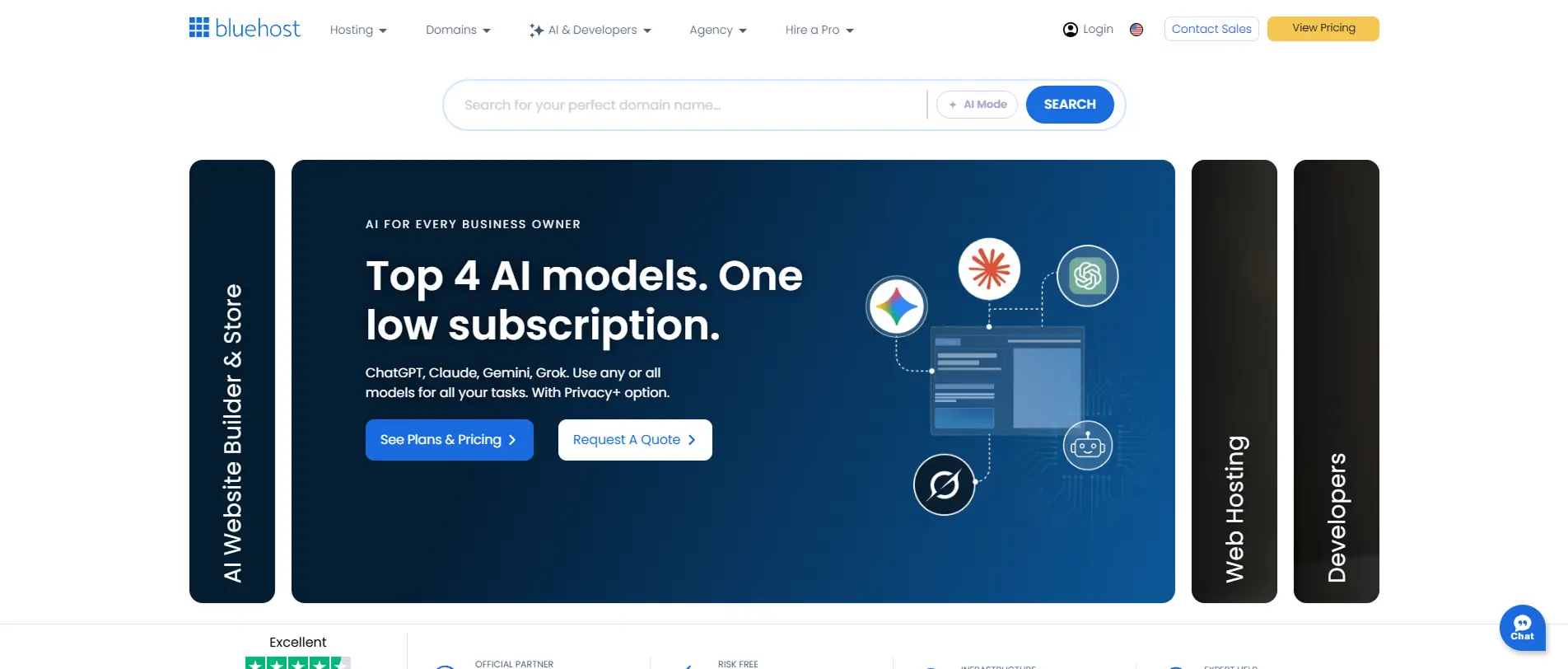
Bluehost is one of only a few hosts officially recommended by WordPress.org, which makes it a natural starting point if you want a no-friction setup experience.
Key features:
- One-click WordPress installation, pre-integrated
- Free SSL certificate and free domain for year one
- Built-in marketing and SEO tools for small businesses
- 24/7 live chat and phone support
Pricing: Plans typically start around $2.95–$9.99/month depending on the tier, with renewal rates rising to roughly $10.99+/month.
Best for: First-time WordPress users who want a simple, guided setup with strong beginner documentation.
Watch out for: Some essential features (like automated daily backups or extra storage) are gated behind higher tiers or paid add-ons.
3. SiteGround — Best for Customer Support

SiteGround has built a reputation for genuinely responsive support and a clean, custom Site Tools dashboard that many users find more intuitive than cPanel.
Key features:
- Custom-built server stack with strong caching (SG Optimizer)
- Free CDN and daily automatic backups included
- Staging environments even on lower plans
- Highly rated 24/7 chat and phone support
Pricing: Entry-level plans start around $2.99/month, but renewal pricing is the steepest in this list, jumping to around $17.99/month — a roughly 500% increase.
Best for: Site owners who value support quality over long-term price and don’t mind paying a premium after the first term.
Watch out for: The renewal jump is significant, so budget for it or plan to negotiate/switch plans before your term ends.
4. DreamHost — Best Budget Option With Strong Privacy Defaults
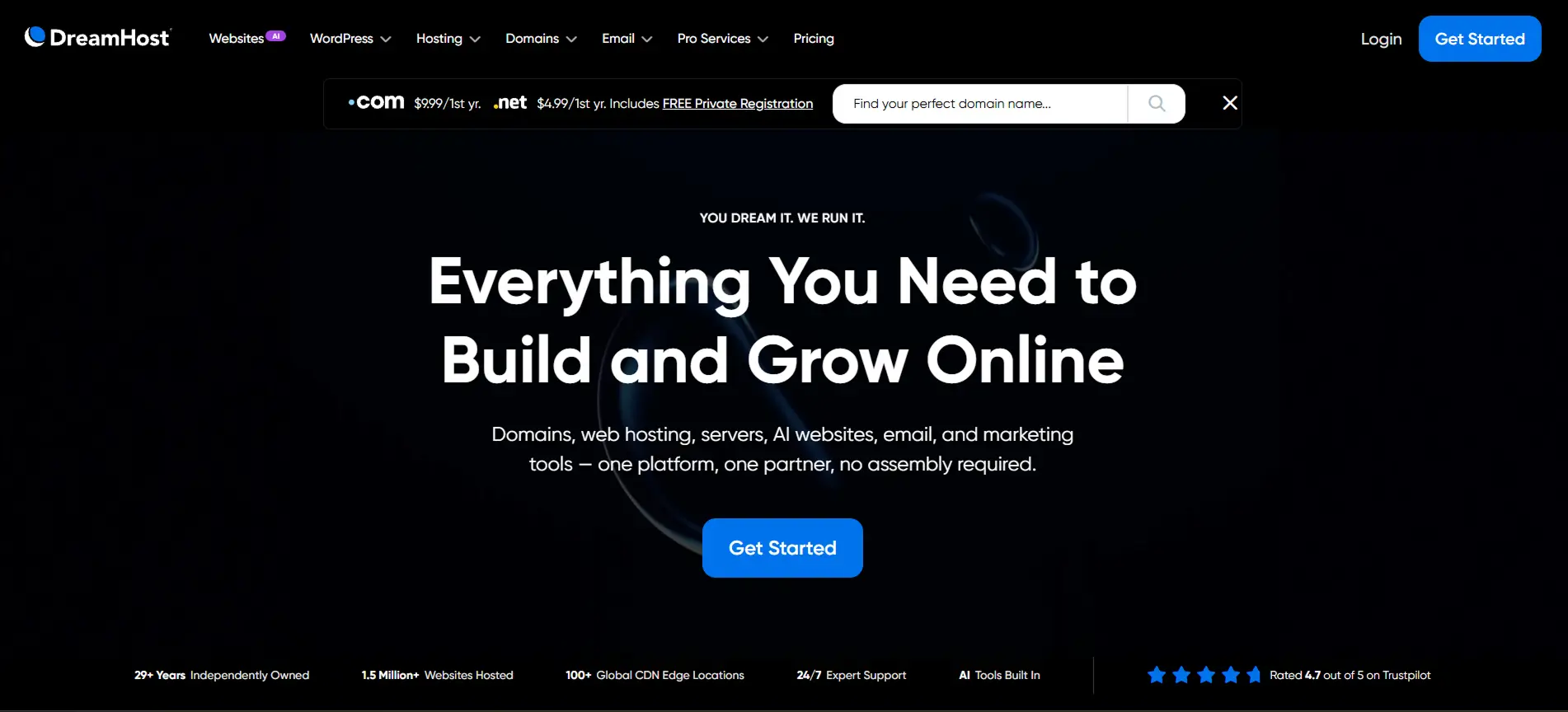
DreamHost stands out for automatically including free domain privacy protection, something many competitors charge extra for.
Key features:
- Free automatic WordPress migrations
- Free SSL, daily backups, and a built-in CDN
- 97-day money-back guarantee (longer than most competitors)
- No forced long-term contract on some plans
Pricing: Plans start as low as $1.99–$4.79/month depending on the term and promotion, with straightforward renewal pricing.
Best for: Privacy-conscious users and anyone who wants flexible, shorter-term billing without heavy lock-in.
Watch out for: Server response times can lag behind faster competitors like Hostinger or SiteGround under heavier traffic.
5. Cloudways — Best for Flexible Cloud Hosting
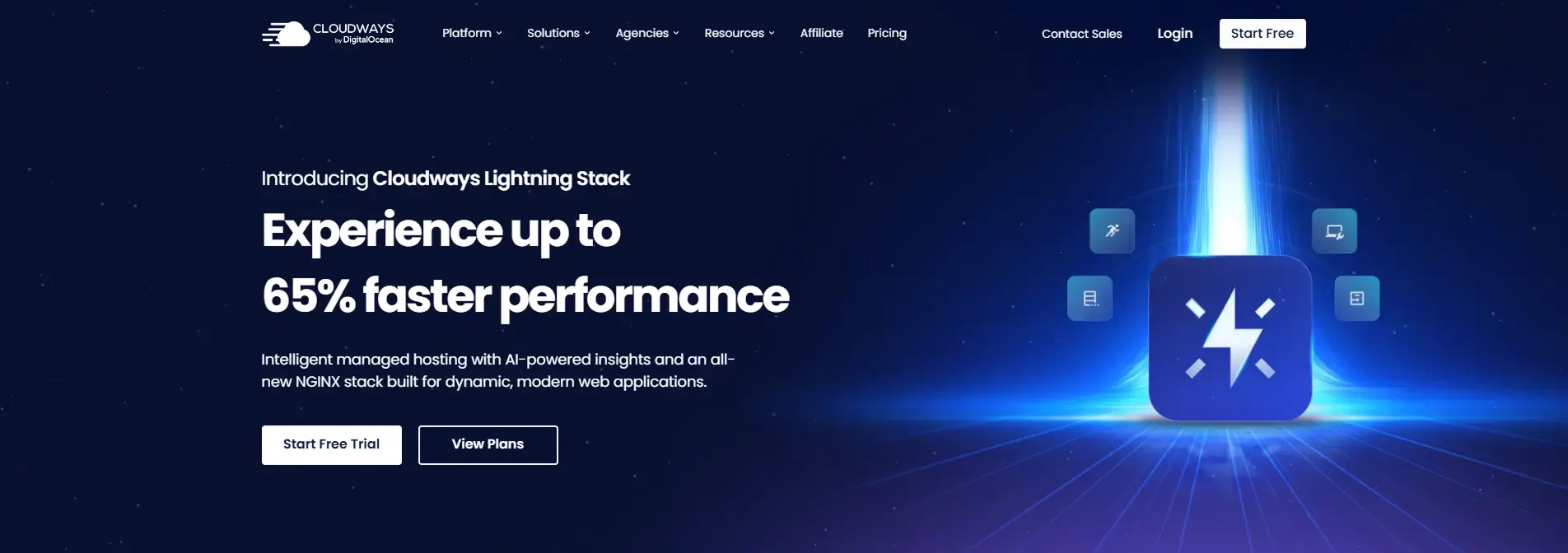
Cloudways isn’t traditional shared hosting — it’s a managed layer on top of cloud infrastructure providers like DigitalOcean, AWS, and Vultr, giving you cloud-grade performance without needing to manage servers yourself.
Key features:
- Choice of cloud infrastructure provider and server size
- Pay-as-you-grow pricing with no long-term contract
- Built-in caching, free SSL, and staging environments
- Unlimited website hosting per server (not per plan)
Pricing: Starts around $11–$14/month, scaling with server resources and usage rather than a flat fixed tier.
Best for: Agencies and developers managing multiple WordPress sites who want cloud-level performance with predictable, transparent pricing.
Watch out for: No automatic core WordPress updates by default — a bit more technical comfort is expected.
6. Kinsta — Best for High-Performance & High-Traffic Sites
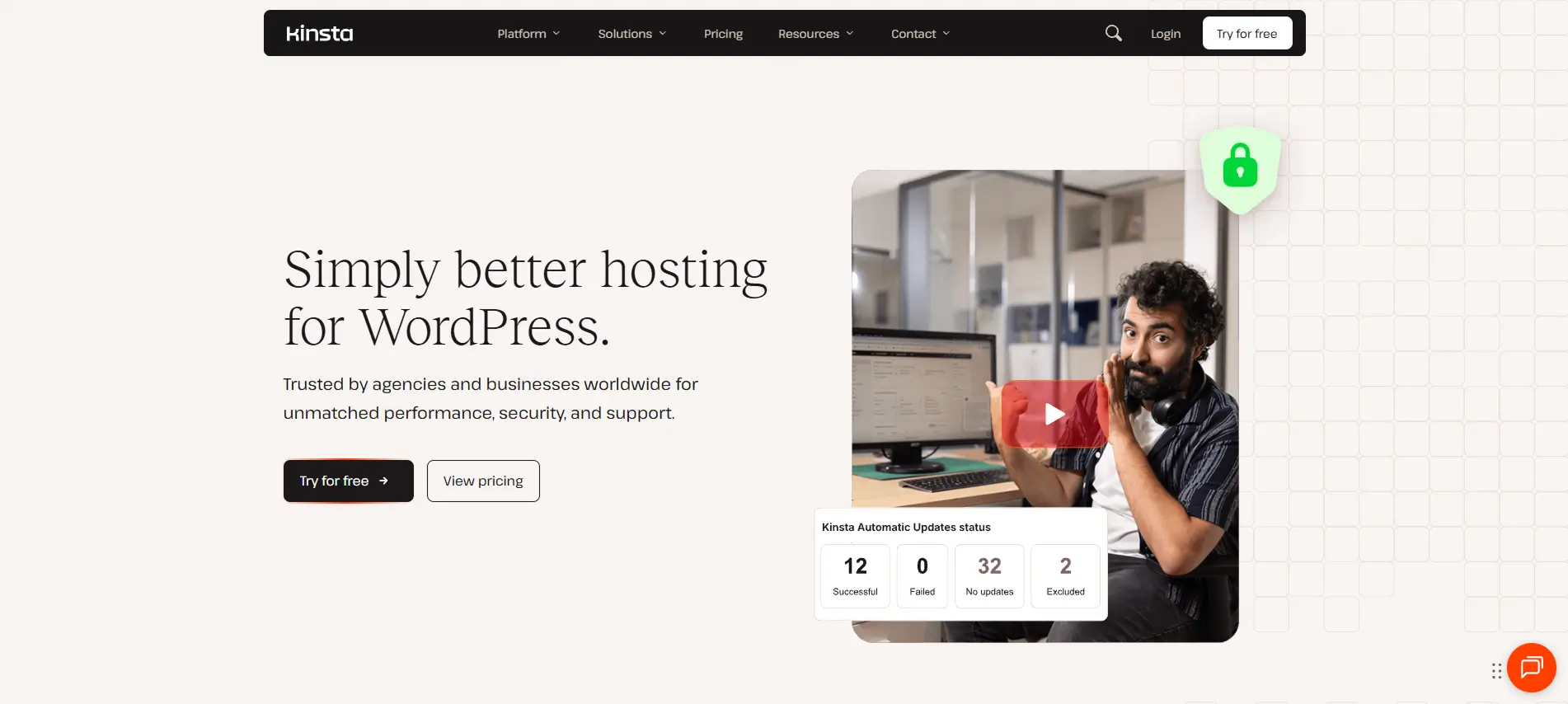
Kinsta runs entirely on Google Cloud Platform’s premium tier, with each site isolated in its own container for consistent performance even during traffic spikes.
Key features:
- Free Cloudflare Enterprise CDN with 300+ global locations
- Built-in performance monitoring for slow plugins/queries
- Unlimited free staging environments
- Clean, modern MyKinsta dashboard
Pricing: Starts at $35/month for the Starter plan (roughly 25,000 monthly visits), scaling up through Pro ($70/month) and Business ($115/month) tiers. Unlike budget shared hosts, pricing doesn’t jump dramatically at renewal.
Best for: Business-critical, revenue-generating, or high-traffic WordPress sites where performance and uptime directly affect your bottom line.
Watch out for: No phone support — Kinsta relies on chat and ticket-based support only, and it’s genuinely one of the pricier options on this list.
7. WP Engine — Best for Agencies & Enterprise WordPress
WP Engine is a long-standing name in premium managed WordPress hosting, built specifically for agencies and larger businesses that need robust tooling and account management.
Key features:
- 24/7 phone support on Professional plans and above (rare among competitors)
- Built-in dev/staging/production workflow
- Automated daily backups and one-click restore points
- Strong security suite including a proprietary firewall
Pricing: Starts around $25–$30/month, with pricing that holds steady rather than jumping at renewal the way budget shared hosts do.
Best for: Agencies managing client sites and businesses that need reliable phone support plus enterprise-grade workflow tools.
Watch out for: It’s a premium price point that only pays off if you’re actually using the advanced features — smaller sites may find it overkill.
8. GoDaddy — Best for All-in-One Convenience

GoDaddy bundles domain registration, email, and WordPress hosting into a single dashboard, which appeals to small business owners who don’t want to juggle multiple vendors.
Key features:
- Managed WordPress hosting with automatic updates
- Built-in email and marketing tools
- 24/7 phone support
- Simple, guided onboarding for non-technical users
Pricing: Managed WordPress plans start around $7.99/month.
Best for: Small business owners who want domain, email, and hosting managed from one account with minimal setup.
Watch out for: Performance can lag behind dedicated WordPress hosts during traffic spikes, and add-on costs can add up quickly.
How to Choose the Best Web Hosting for WordPress
There’s no single “best” answer for everyone — the right choice depends on your site’s size, budget, and technical comfort. Use this quick framework:
- Just starting a blog or portfolio? Go with Hostinger, Bluehost, or DreamHost for an affordable, beginner-friendly setup.
- Running a business site where support matters most? SiteGround or WP Engine offer the strongest human support.
- Managing multiple client sites as a developer or agency? Cloudways gives you the most flexibility per dollar.
- Running a high-traffic or revenue-critical site? Kinsta or WP Engine deliver the performance headroom to match.
- Want everything (domain, email, hosting) in one dashboard? GoDaddy simplifies that at a slightly higher cost.
Whichever provider you choose, always check the renewal price, not just the introductory rate — it’s the number that determines your real long-term cost.
Shared vs. Managed WordPress Hosting
Understanding this distinction will save you money and frustration:
- Shared hosting (SiteGround, Hostinger, Bluehost, DreamHost) puts your site on a server with many others. It’s cheaper, and these hosts apply WordPress-specific optimizations, but core server administration is still partly your responsibility.
- Managed WordPress hosting (Kinsta, WP Engine, Rocket.net, Cloudways) means the provider owns updates, caching, backups, staging, and security — you’re paying more for a hands-off experience, which is usually worth it once your site starts generating meaningful traffic or revenue.


 Ahanaf Istiyad
 plugininja

 Join Community